 Clear Cortex
Best video editor: match the editor to the job
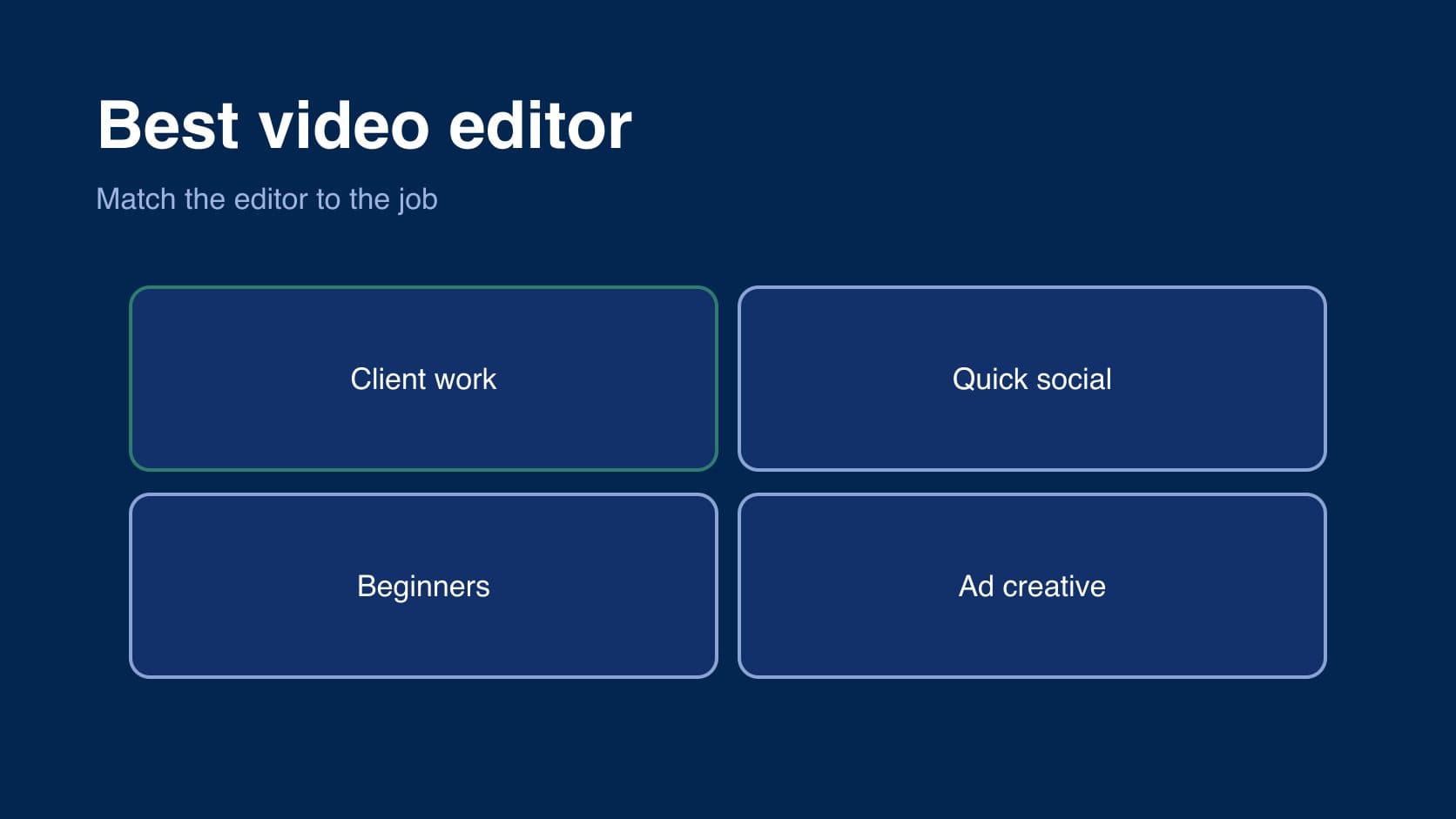
the best video editor depends on three things: what you are making, what you are making it on, and how much control you want. a phone app that is perfect for a daily TikTok is the wrong tool for a client documentary, and the other way round. this page matches the kind of editor to the job, so you can shortlist the right category before comparing products.
for long videos and client work
a desktop timeline editor. you get frame-level control, proper colour and audio tools, multi-camera editing and high-resolution export. widely used examples include Adobe Premiere Pro, DaVinci Resolve and Final Cut Pro (Mac only). they take longer to learn and want a capable computer — see video editor for PC.
there is no single best editor; it depends on what you cut. as one forum answer put it:
"Understand your media type and editing software to get the best recommendation."
for quick social videos
an online editor or a mobile app. templates, captions, music and vertical formats are front and centre, and you can go from shot to posted in minutes. see online video editor and video editor app.
for beginners
something with few buttons and a single timeline. simple editors are easier to start with, but check the export options before you grow out of them. what simple should mean is in simple video editor.
for ad creative
ads need many short versions — different hooks, different ratios — more than one long edit. a timeline editor for assembly, plus AI tools for making the shots and variations, is the combination most performance teams land on. see AI video editor.
what actually matters when comparing
- does it run on your machine? operating system and hardware rule some editors out straight away.
- export: resolution, aspect ratios, and whether there's a watermark.
- learning curve: the best editor is the one you will actually finish projects in.
- where your footage is: phone, camera cards, or a shared drive.
- what others use: if you hand projects to clients or collaborators, matching their editor saves pain.
frequently asked questions
what is the best video editor for beginners?
a simple editor on the device you already shoot with. learn cutting and pacing first; the software can change later.
what video editors do professionals use?
desktop timeline editors, most often the widely known ones named above. the choice usually follows the studio or clients they work with.
is an AI video editor better than a normal one?
it does a different job. see best AI video editor.
the summary
- long and client work: a desktop timeline editor.
- fast social: an online editor or phone app.
- ads: an editor for the cut, AI for the shots and versions.
Clear Cortex isn't a timeline editor, so it won't be your best video editor for cutting. it is where you make the short clips that go into one: AI video from a prompt or image, product videos in Marketing Studio, and an Edit tab that relights a clip or changes its scene. the overview is AI video editor.