 Clear Cortex
Video editor app: editing on a phone, and where it runs out
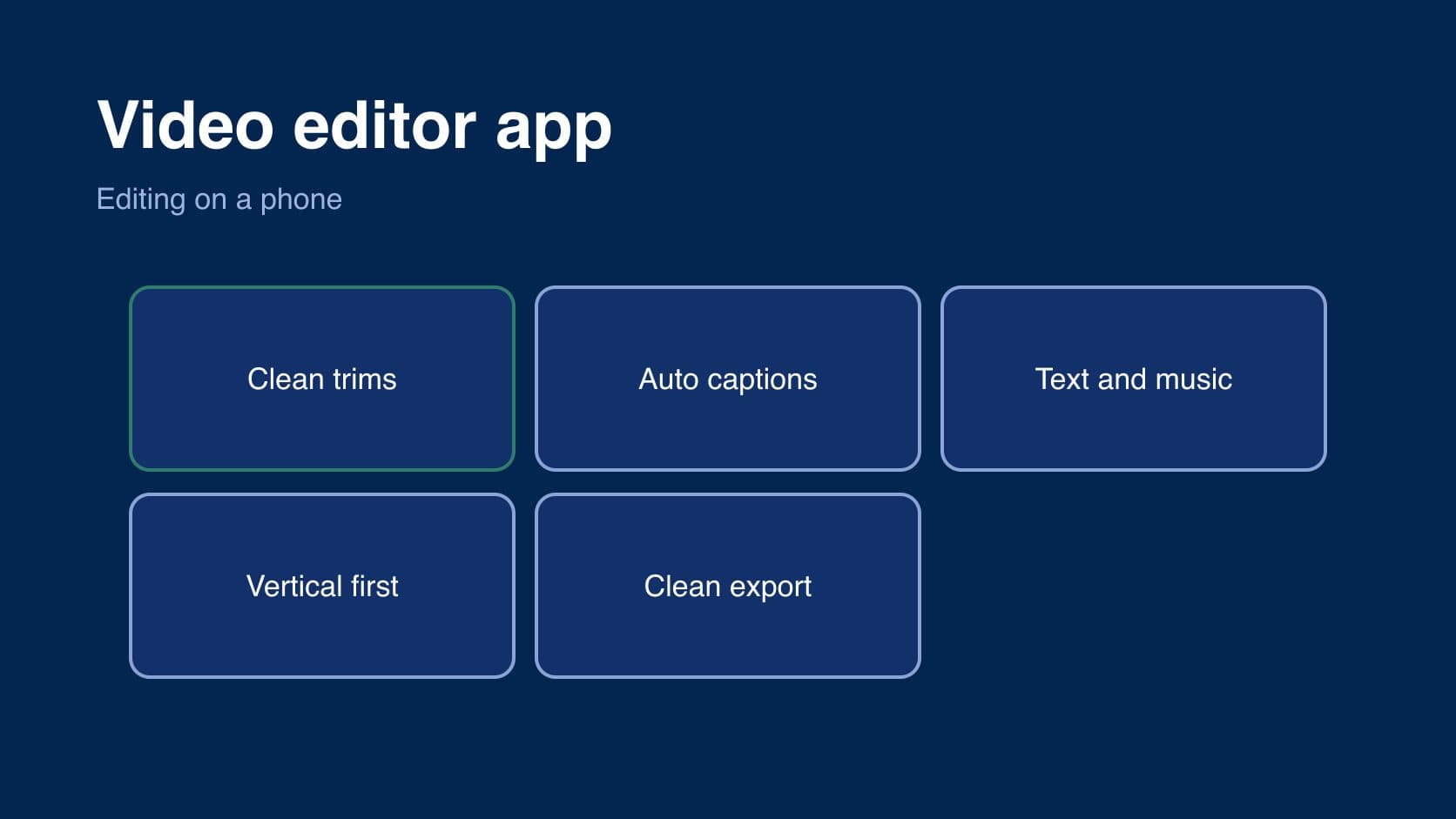
a video editor app is editing software built for a phone or tablet. most are designed around the way people post now: vertical video, captions, music and quick effects, edited on the same device the footage was shot on and posted straight to TikTok, Reels or Shorts. for that job they are often faster than a computer. for longer or more careful work, they run out.
what a good video editor app does
- trims and splits cleanly. precise cuts with a zoomable timeline, not just a start and end handle.
- captions from speech. most short-form video is watched with the sound off.
- text and music layers. for hooks, labels and a sound bed.
- vertical first. 9:16 by default, with 4:5 and 1:1 when you need them.
- clean export. full resolution and no watermark on the version you post.
where apps run out
a phone screen is a small place to judge colour and detail, and touch is a slow way to make many fine cuts. long projects, footage from several cameras, careful audio and client revisions are all easier at a desk. many people shoot and rough-cut on the phone, then finish on a computer — see video editor for PC.
more and more apps bundle editing inside a bigger tool. one creator described it:
"Want to edit video, then you can do the same within the inbuilt video editor."
mind the safe zones
whatever app you use, the platform's buttons and captions cover the edges of a vertical video. keep text and the product inside the safe area. the margins for each platform are in TikTok safe zones.
AI on the phone
editing apps increasingly include AI features — auto captions, background removal, effects that follow a face. AI video generation is different: the models run on the provider's servers, so a phone can make a clip as easily as a laptop, as long as the site or app works well on a small screen. the difference between AI features and AI generation is in AI video editor.
frequently asked questions
can you edit video professionally on a phone?
for short social content, yes, and many creators do. for long-form or client work, most move to a computer.
is there a difference between iPhone and Android video editor apps?
some apps are on one platform only, so check before you build a habit. the features that matter — trimming, captions, text, export — are available on both.
is a tablet better than a phone for editing?
the bigger screen helps with detail and timeline work. the same apps usually run on both.
the summary
- apps are best for vertical social video shot and posted from the same phone.
- check captions, cut precision and export before anything else.
- move to a computer for long, multi-camera or client work.
Clear Cortex isn't an editing app: it generates short clips in video mode and product videos in Marketing Studio, which you can then drop into the app you edit in. the overview is AI video editor.