 Clear Cortex
Simple video editor: what simple should mean
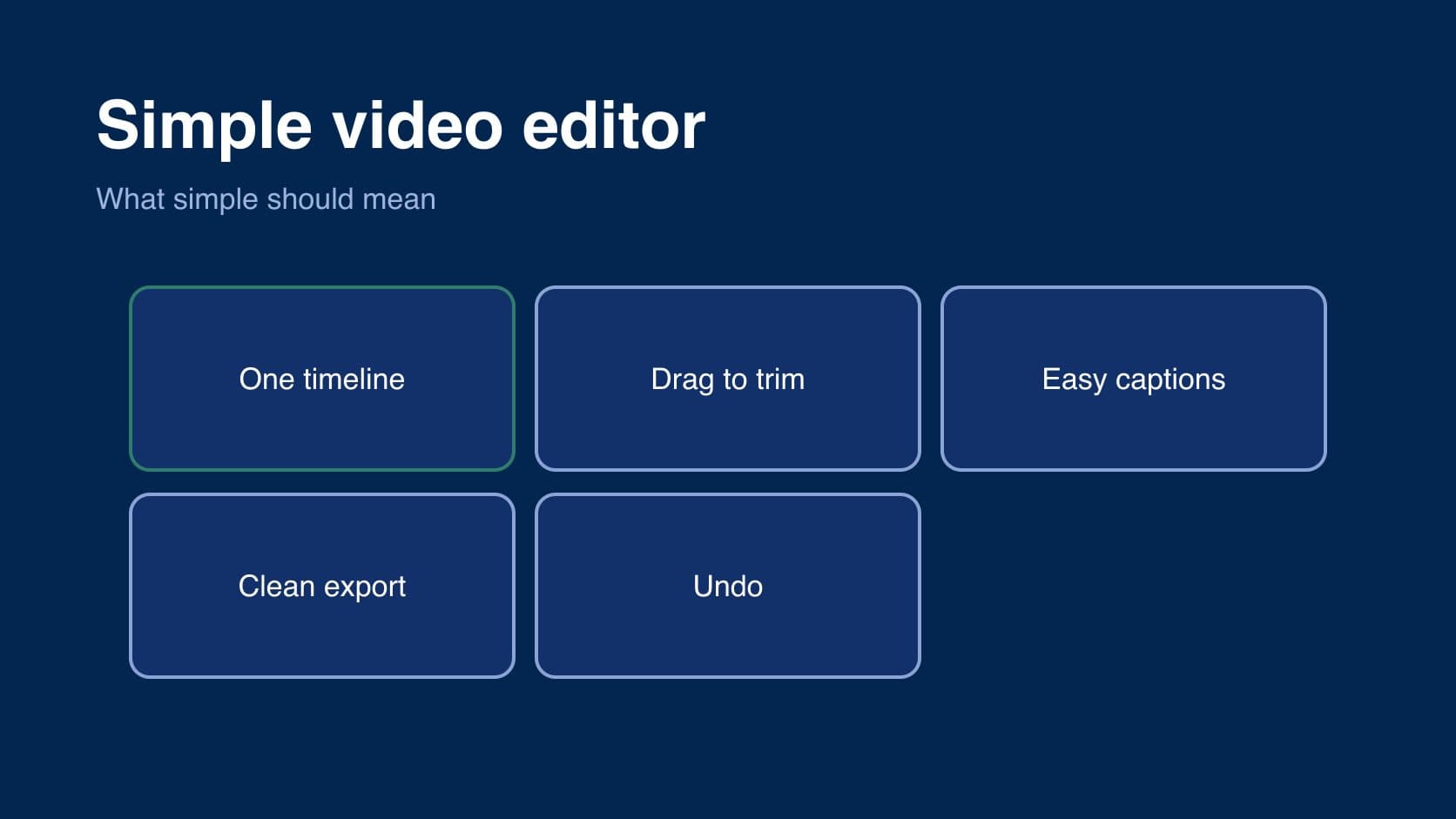
a simple video editor does the handful of things most videos need — cut, trim, add text and music, export — without a wall of panels you have to learn first. for a lot of people that is all they will ever need. the trick is picking one that is simple to use, not one that is simply missing the thing you'll want next month.
almost everyone starts here. posts from people learning tend to open the same way:
"Hey all, Video editing newbie here."
what simple should mean
- one timeline. clips in a row, with text and music above or below. no nested sequences.
- drag to trim, click to split. the two actions you'll do most should be the easiest.
- sensible defaults. export settings that just work for the platform you post to.
- captions without effort. automatic captions from speech are now common in simple editors.
- undo that always works. beginners experiment; the editor should let them.
what you give up
fine control. simple editors usually have limited colour tools, basic audio, few tracks and fewer export options. that's fine for a vlog, a social clip or a family video. it starts to hurt with client work, long projects or anything that needs a precise grade or sound mix. at that point a full timeline editor is worth the learning curve — see best video editor.
learn the craft, not the buttons
the skills that make a video good — choosing shots, cutting early, keeping the pace up, starting with the most interesting moment — carry over to any editor. a simple one is a good place to learn them, because the software gets out of the way.
where AI makes it simpler
AI has taken some fiddly jobs off the list: captions, removing pauses, cleaning up audio. AI video generation removes a different job — getting the footage — by making short clips from a prompt or a picture. those still need cutting together, but a simple editor is enough for that. how AI fits in is in AI video editor.
frequently asked questions
what is the simplest video editor?
the one already on your phone or computer is often simplest to start with. move on when you hit something it can't do.
is a simple video editor enough for YouTube?
for many channels, yes. talking-head videos with cuts, captions and music don't need much more.
can I use a simple video editor on an old laptop?
usually. simple editors tend to be light. see video editor for PC for what a machine needs.
the summary
- simple means: one timeline, easy trims, captions and clean export.
- you give up: fine colour, audio and export control.
- the craft carries over to any editor you move to.
Clear Cortex isn't a video editor in this sense — it doesn't cut clips together. it makes the short clips: from a prompt or image in video mode, or from a product photo in Marketing Studio, ready to drop into a simple editor. the overview is AI video editor.