 Clear Cortex
Build the board. Make from it.
Pin your product shots, references and colour ideas on one board, then point any image or video model at them. What comes back sits next to the references that made it.
01 — The board
Everything for the shoot, in one place.
Drop in product shots, references and a note on the look. Wire them into an image or video model and it works from all of them at once. Come back days later and the board is still there. Tap a card to see its job, or run the board.
02 — Side by side
Every option side by side.
Variants sit next to each other on the board, not in a scroll. Put six takes on one product in a row and pick the one that works at a glance — then make it move.
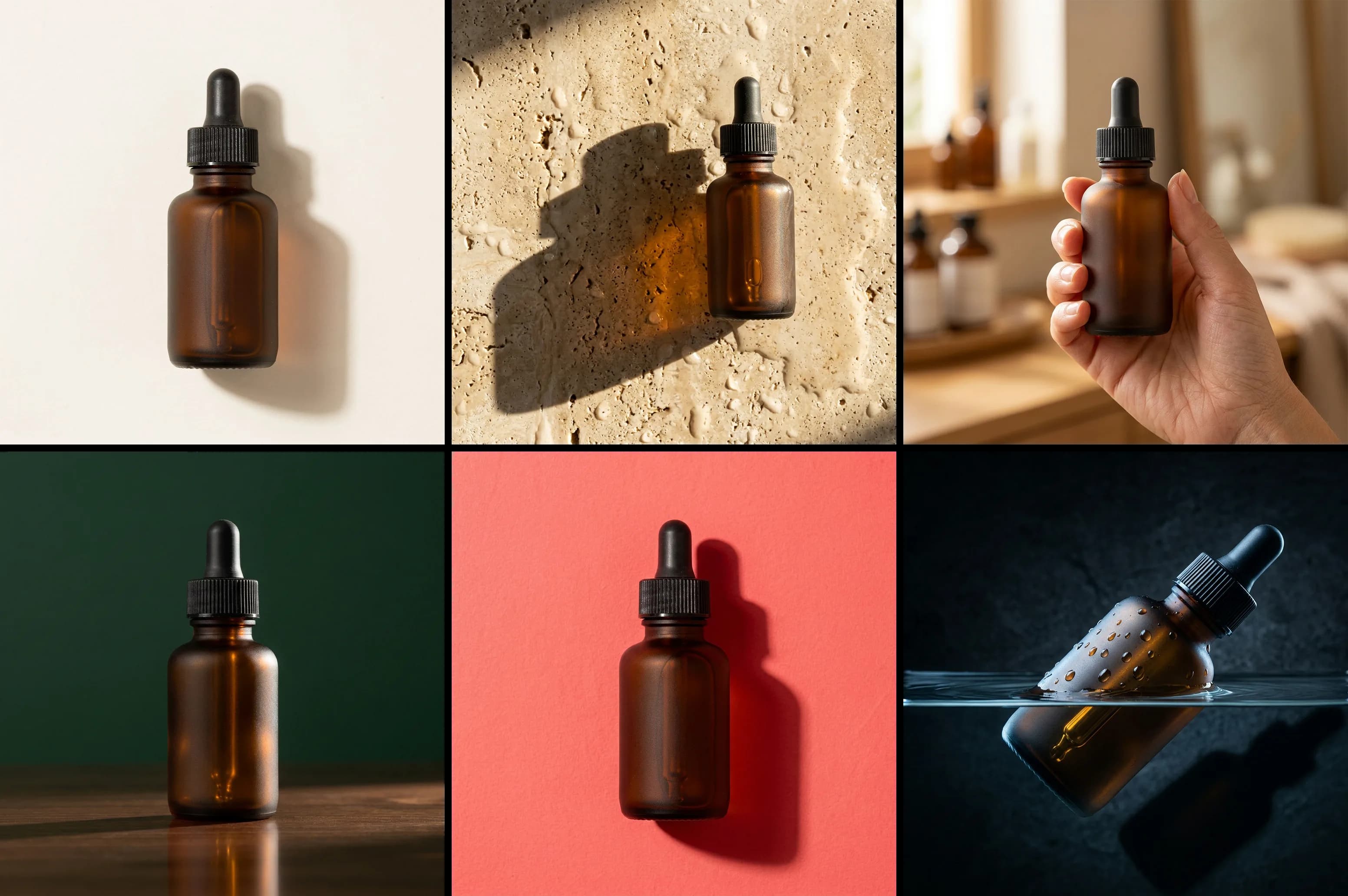 Six takes, one product
03 — What made it
See what made each result.
Lines on the board show which references went into which render. When the client picks a version, you can see exactly what made it — and make it again for the next size or the next product.
How this clip was made
replayEvery line shows what went in
04 — Right model
The right model for each shot.
Nano Banana or Seedream for stills, Kling or Seedance for motion. Each one reads the same board, so you can try another model on the same references without briefing it again.
One board · every model
- Nano Bananastills
- Seedreamstills
- Klingmotion
- Seedancemotion
Pick the model that fits the shot
Stay in touch
Not ready to sign up yet?
Leave your email and we’ll send a note when new features ship. No spam.
Build on a laptop. Browse, preview, and share from anywhere.