 Clear Cortex
Online video editor: what editing in a browser is good for
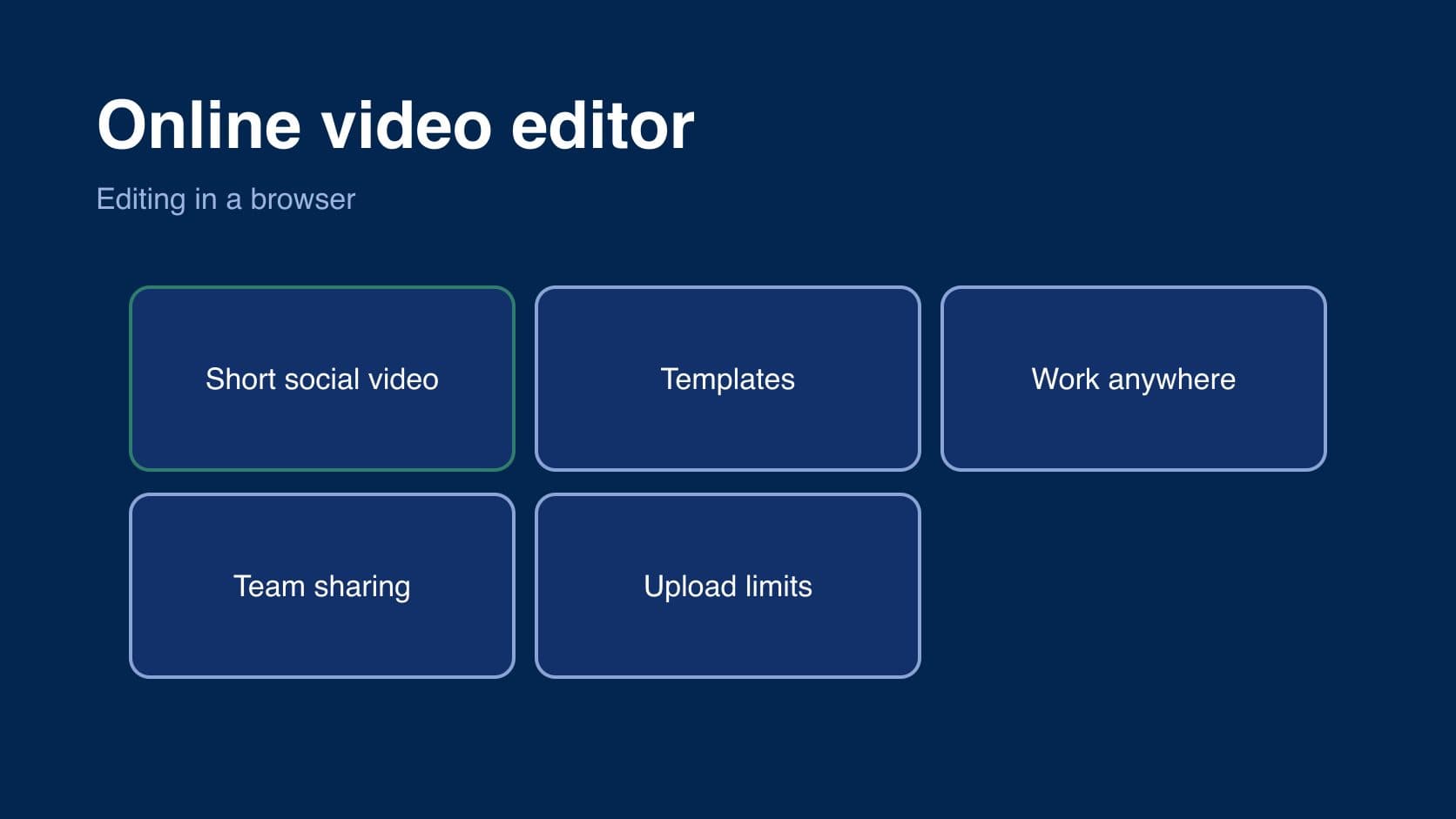
an online video editor runs in a web browser instead of being installed on your computer. you upload clips, cut them on a simple timeline or from a template, add text, music and captions, and export. nothing to install, works on most computers, and easy to share with a team. the trade-off is that your footage has to travel to the editor first.
what online editors are good for
- short social video. vertical clips, captions and music for TikTok, Reels and Shorts.
- templates. a layout to drop your clips and text into, when speed matters more than originality.
- working anywhere. the project lives online, so any computer with a browser can open it.
- teams. sharing, commenting and brand kits are usually built in.
- modest machines. much of the heavy work happens on the provider's servers.
where they run out
long projects and big files. uploading an hour of 4K footage is slow on most connections, and a browser timeline gets sluggish as a project grows. fine colour grading, complex audio and multi-camera edits are where desktop editors still lead. if your work looks like that, see video editor for PC.
AI in online editors
because they already run on servers, online editors were quick to add AI: automatic captions, background removal on talking heads, generated b-roll, text-to-speech voiceovers. and AI generators themselves are all online — the models run on the provider's machines, so a laptop can make a clip as easily as a workstation. the gap people still feel is between the two: generating a clip in one place and editing it in another. one agency owner described the wish exactly:
"Also it would be even better if it linked directly up with web-based video editing timelines so you could throw text hooks over the outputs without exporting to third-party tools."
for now, most people generate the shots in one tool and finish in an editor. how the AI side works is in AI video editor.
what to check before you pick one
- export quality and length limits. some cap resolution or length on lower plans.
- watermarks. check whether exports carry one before you build a project.
- aspect ratios. you will want 9:16, 4:5 and 16:9 from the same project for social.
- rights to stock media. template music and footage may have usage limits for ads.
- where your files live. for client work, know who can see uploads.
frequently asked questions
are online video editors as good as desktop ones?
for short social video, often good enough. for long, high-resolution or heavily graded work, desktop editors are still stronger.
do online video editors work on a Chromebook or old laptop?
usually, because much of the processing happens online. a steady connection matters more than the machine.
can I make AI video online?
yes — AI video models run online by nature. see how to make an AI video.
the summary
- online editors: quick, shareable, light on your computer.
- the cost: upload time, and less control on long or heavy projects.
- AI generation is online by default; the cut still usually happens in an editor.
Clear Cortex runs in the browser too, but it isn't a timeline editor: it makes short clips in video mode and product videos in Marketing Studio, and its Edit tab re-renders a clip with new light, a new scene or something removed. you download the clips and add text hooks and music in whichever editor you use. the overview is AI video editor.