 Clear Cortex
Video editor for PC: desktop editing and what your machine needs
a video editor for PC is desktop software installed on a Windows computer or laptop. desktop editors give you the most control — many tracks, precise cuts, proper colour and audio tools, high-resolution export — and in return they lean on your machine. which one suits you depends as much on your hardware as on the features.
the kinds on Windows
- professional timeline editors. Adobe Premiere Pro and DaVinci Resolve are widely used on Windows. deep, but a real learning curve.
- simpler desktop editors. fewer panels, quicker to learn, enough for vlogs and social clips. Microsoft's Clipchamp is one example.
- open-source editors. Shotcut and Kdenlive are community-built options for Windows.
Final Cut Pro and iMovie, often mentioned in the same lists, are Mac only.
what your PC or laptop needs
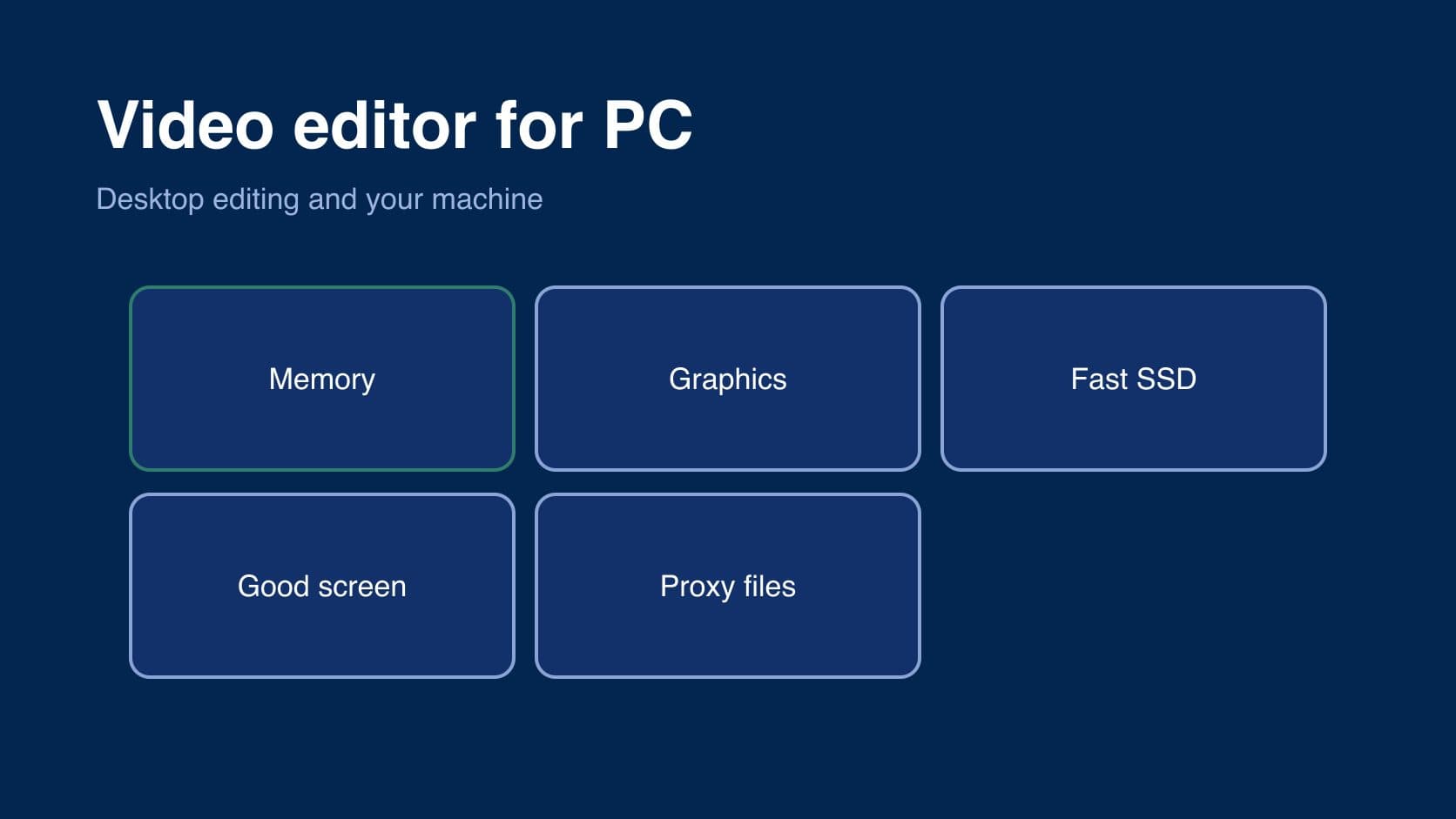
- memory. more RAM keeps the timeline smooth as projects grow; it's the first thing to run short.
- graphics. many editors use the graphics card for playback, effects and export. a dedicated GPU helps most with high resolutions.
- fast storage. footage on an SSD plays back far better than on a spinning hard drive.
- a decent screen. colour work on a dim laptop panel is guesswork.
storage is the question people ask most once they're editing seriously:
"Is a SATA SSD obsolete for video editing?"
for most editing it isn't — any SSD is a big step up from a hard drive. faster NVMe drives help with high-resolution footage and big cache files. when playback stutters, try proxy files (lower-resolution copies the editor swaps in while you cut) before buying hardware.
editing on a laptop
a laptop can edit well, with two caveats: plug it in, because many laptops slow down on battery, and keep footage on an external SSD if the internal drive is small. a thin laptop that struggles with 4K is often fine with 1080p or proxies.
AI and your PC
AI features inside a desktop editor may run on your own machine, so they add to the load. AI video generation is the opposite: the models run on the provider's servers, so even a modest laptop can make clips through a browser. many people generate shots online and cut them on the desktop. see AI video editor.
frequently asked questions
what is the best video editor for PC?
a professional timeline editor if you want full control and have the hardware; a simpler one if you're starting out. see best video editor.
can a low-spec laptop edit video?
yes, for shorter and lower-resolution projects, especially with a simple editor or proxy files. see simple video editor.
should I use a PC editor or an online one?
a PC editor for long or heavy projects, an online one for quick social video. see online video editor.
the summary
- desktop editors give the most control and ask the most of your machine.
- RAM, graphics and an SSD matter most; proxies help a slow machine.
- AI generation runs in the cloud, so your PC only has to cut the results.
Clear Cortex runs in the browser and isn't a timeline editor, so it doesn't compete with your desktop editor — it feeds it. generate short clips in video mode or Film Studio, relight them or change the scene in the Edit tab, and download them to cut on your PC. the overview is AI video editor.