 Clear Cortex
Best video editor: काम के हिसाब से editor चुनें
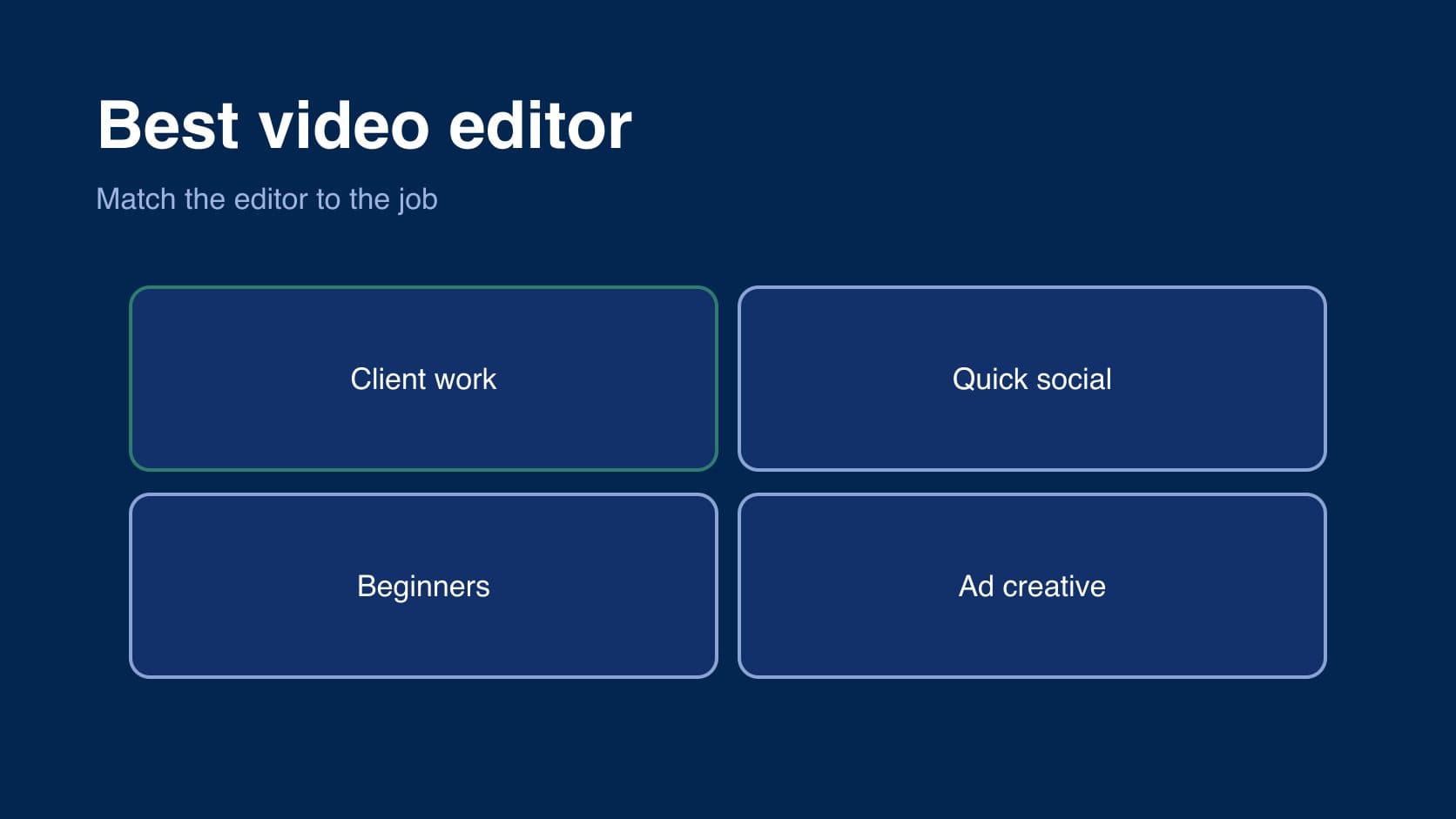
best video editor तीन चीज़ों पर निर्भर करता है: आप क्या बना रहे हैं, किस device पर बना रहे हैं, और आपको कितना control चाहिए। जो phone app रोज़ के TikTok के लिए perfect है, वो client documentary के लिए गलत tool है, और उल्टा भी उतना ही सच है। यह page काम के हिसाब से editor का type match करता है, ताकि products compare करने से पहले आप सही category shortlist कर सकें।
लंबे videos और client work के लिए
एक desktop timeline editor। आपको frame-level control, ढंग के colour और audio tools, multi-camera editing और high-resolution export मिलता है। आम तौर पर इस्तेमाल होने वाले examples हैं Adobe Premiere Pro, DaVinci Resolve और Final Cut Pro (सिर्फ़ Mac)। इन्हें सीखने में ज़्यादा समय लगता है और इन्हें एक दमदार computer चाहिए — देखें video editor for PC।
कोई एक best editor नहीं है; यह इस पर निर्भर करता है कि आप क्या edit करते हैं। एक forum जवाब में किसी ने यूँ कहा:
"सबसे अच्छी recommendation पाने के लिए अपने media type और editing software को समझिए।"
quick social videos के लिए
एक online editor या mobile app। templates, captions, music और vertical formats सबसे आगे रहते हैं, और आप कुछ ही मिनटों में shoot से post तक पहुँच सकते हैं। देखें online video editor और video editor app।
beginners के लिए
कुछ ऐसा जिसमें कम buttons हों और एक ही timeline हो। simple editors से शुरुआत करना आसान है, लेकिन उनसे आगे निकलने से पहले export options ज़रूर check करें। simple का मतलब क्या होना चाहिए, यह simple video editor में है।
ad creative के लिए
ads को एक लंबे edit से ज़्यादा कई छोटे versions चाहिए — अलग hooks, अलग ratios। assembly के लिए एक timeline editor, और shots व variations बनाने के लिए AI tools — ज़्यादातर performance teams इसी combination पर पहुँचती हैं। देखें AI video editor।
compare करते समय असल में क्या मायने रखता है
- क्या यह आपकी machine पर चलता है? operating system और hardware कुछ editors को सीधे बाहर कर देते हैं।
- export: resolution, aspect ratios, और watermark आता है या नहीं।
- learning curve: best editor वही है जिसमें आप सच में projects पूरे करेंगे।
- आपकी footage कहाँ है: phone, camera cards, या कोई shared drive।
- दूसरे क्या इस्तेमाल करते हैं: अगर आप projects clients या collaborators को सौंपते हैं, तो उनके वाला editor इस्तेमाल करने से बहुत सिरदर्द बचता है।
अक्सर पूछे जाने वाले सवाल
beginners के लिए best video editor कौन सा है?
उसी device पर एक simple editor जिससे आप पहले से shoot करते हैं। पहले cutting और pacing सीखिए; software बाद में बदल सकता है।
professionals कौन से video editors इस्तेमाल करते हैं?
desktop timeline editors, ज़्यादातर ऊपर बताए गए जाने-माने नाम। चुनाव आम तौर पर उस studio या उन clients के हिसाब से होता है जिनके साथ वो काम करते हैं।
क्या AI video editor normal editor से बेहतर है?
यह एक अलग काम करता है। देखें best AI video editor।
सार
- लंबा और client work: एक desktop timeline editor।
- fast social: एक online editor या phone app।
- ads: cut के लिए एक editor, shots और versions के लिए AI।
Clear Cortex timeline editor नहीं है, इसलिए cutting के लिए यह आपका best video editor नहीं होगा। यह वो जगह है जहाँ आप वो छोटे clips बनाते हैं जो editor में जाते हैं: prompt या image से AI video, Marketing Studio में product videos, और एक Edit tab जो किसी clip की lighting बदल देता है या उसका scene बदल देता है। overview के लिए देखें AI video editor।