 Clear Cortex
Best AI video editor: how to choose one for creative work
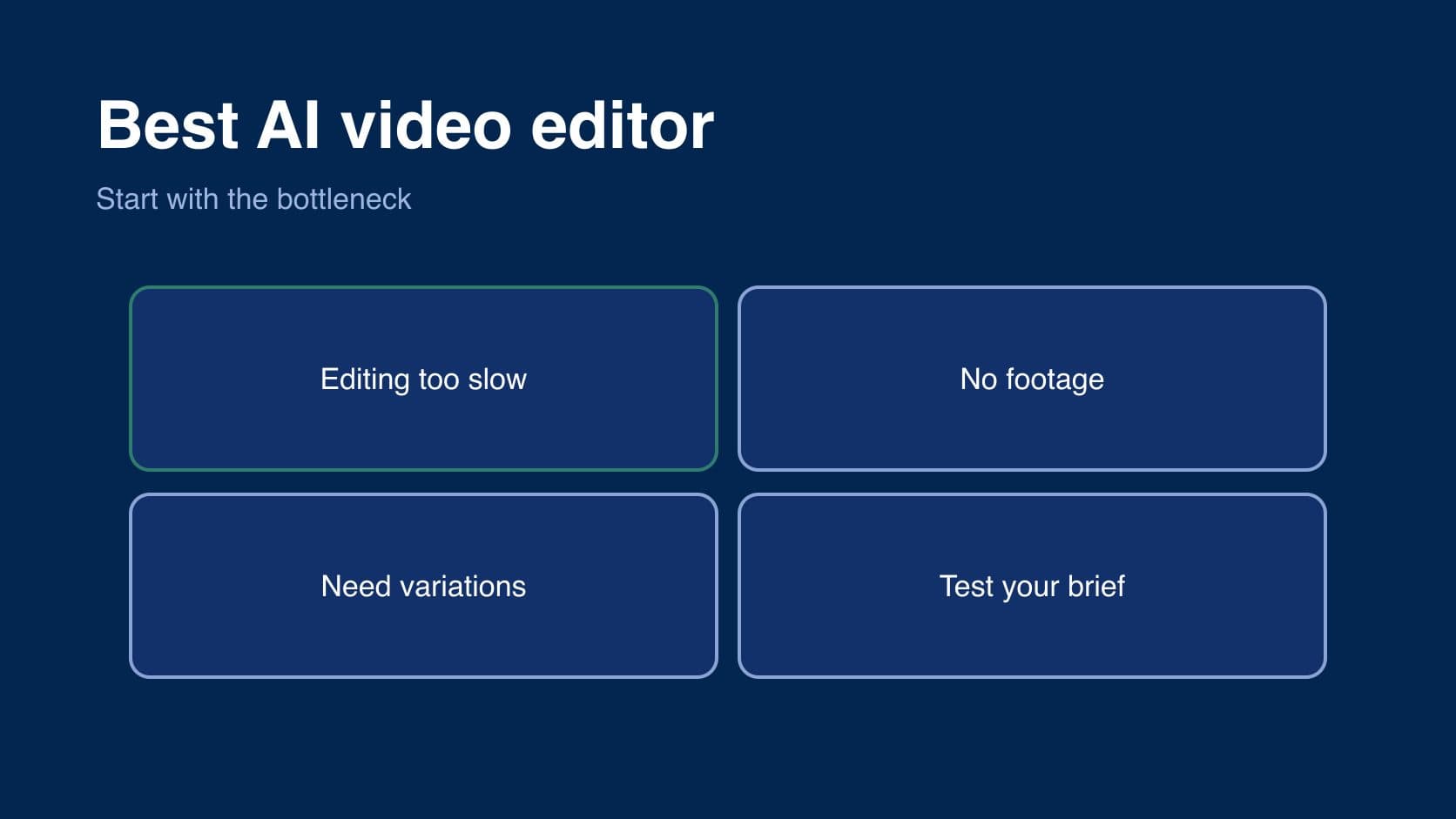
there is no single best AI video editor, because the phrase covers three different tools: AI features inside a timeline editor, generators that make new clips, and editing models that re-render a clip with something changed. the best one is the one that does the part of the job you are actually stuck on. this page is a way to work out which part that is, and what to ask of any tool before you commit.
start with the bottleneck
- "editing takes too long": you want AI features in a timeline editor — captions, silence removal, transcript editing, auto-reframe.
- "I don't have the footage": you want a generator. the model matters more than the app; see best AI video generators.
- "I need ten versions of this clip": you want an editing model that keeps the subject and framing while changing the scene, light or one object.
the best AI video editor for creatives
creatives — people making ads, brand films and social content — usually already know how to edit. what they lack is footage and time to make variations. so for them the useful AI is mostly generation and re-rendering, with the final cut staying in the editor they know. the question that separates tools is how much is left to do afterwards:
"Some tools generate beautiful clips but expect you to do all the editing yourself."
that isn't necessarily a flaw. a creative who wants control often prefers good raw clips over an automatic edit they have to undo. the all-in-one tools trade control for speed, and people using them still finish elsewhere:
"Many still finish captions, transitions, music, or other edits in another editor, depending on the plan they're using."
questions to ask of any AI video editor
- which models does it run? a tool is only as good as the models underneath, and the best model changes every few months.
- how much control over the shot? start and end frames, reference images, camera direction.
- does it keep the subject? when you edit a clip, do faces, products and logos stay the same?
- what ratios and lengths? 9:16 and 4:5 for social, 16:9 for everything else.
- can you take the clips out? plain files you can drop into any editor, without a watermark.
- what are the usage rights? read the terms before anything goes into a paid ad.
test it on your own brief
demos show each tool at its best. give every tool you are considering the same real brief — your product, your shot — and compare the output side by side at full size. look at hands, text, faces and anything that has to match reality. how to write that brief is in how to make an AI video.
frequently asked questions
what is the best AI video editor?
the one that fixes your bottleneck: AI features in a timeline editor if editing is slow, a generator if you lack footage, an editing model if you need variations.
can an AI video editor replace a traditional editor?
not for long or complex edits. most creatives use AI to make and vary clips, then cut in a traditional editor.
which AI video model is best?
it depends on the shot. the strengths of each are in best AI video generators.
the summary
- match the tool to the bottleneck: editing time, missing footage, or variations.
- creatives mostly need generation and re-rendering, not an automatic edit.
- test on your own brief, at full size, side by side.
Clear Cortex is built for the second and third: it isn't a timeline editor. video mode runs models including Seedance, Kling, Hailuo and Gemini Omni Flash; Film Studio adds camera, colour and lighting cards; and each clip's Edit tab can relight it, change its weather or time of day, remove or replace something, or extend it. you take the clips into your own editor for the cut. the overview is AI video editor.