 Clear Cortex
Video editor: the four kinds, and where AI fits
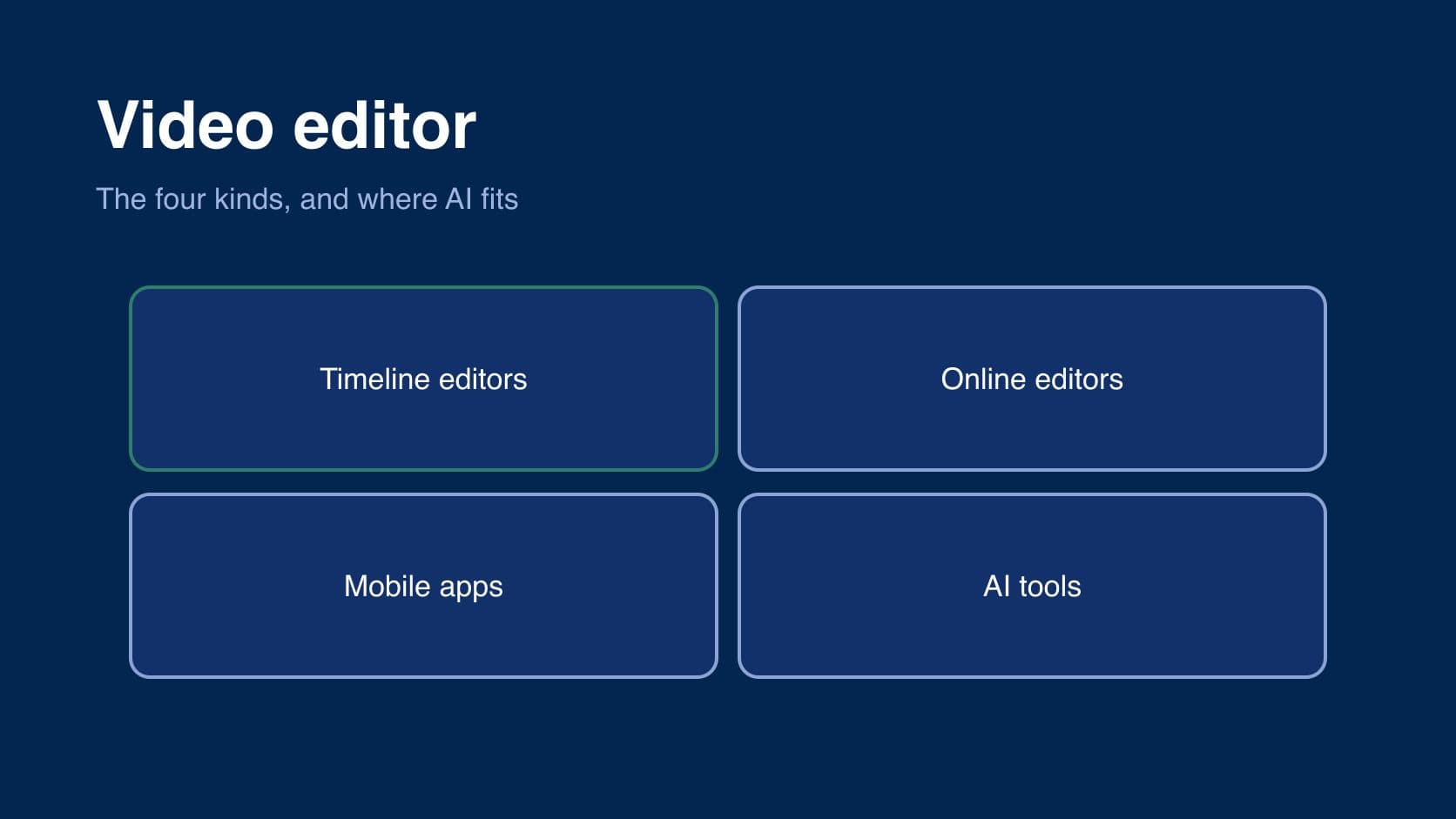
a video editor is software for turning raw clips into a finished video: cutting, ordering, adding sound, music, text and colour, then exporting a file. there are four broad kinds now — desktop timeline editors, online editors that run in a browser, mobile apps, and AI tools that generate or re-render footage. they overlap, but each is built for a different job.
1. desktop timeline editors
the professional kind. clips sit on tracks along a timeline, and you cut, trim, layer and grade them with frame-level control. well-known examples include Adobe Premiere Pro, DaVinci Resolve and Final Cut Pro. they handle long projects, high resolutions and complex sound, and they lean on your computer's power to do it. what to look for, and what your machine needs, is in video editor for PC.
plenty of working editors are now coming at AI from the editing side. one wrote:
"I'm completely new to AI video generation, but I'm a professional video editor."
2. online and browser editors
editors that run in a web page, with templates, stock media and simple timelines. good for quick social videos, team sharing and working from any computer; weaker on long or heavy projects, because footage has to upload first. more in online video editor.
3. mobile editing apps
apps for editing on a phone, usually built around vertical video, captions, music and effects for TikTok, Reels and Shorts. fast for footage you shot on the same phone. what they do well and where they run out is in video editor app.
4. AI generators and AI editing models
the newest kind doesn't cut footage at all. a generator makes new clips from a prompt or an image; an AI editing model takes a finished clip and re-renders it with something changed — the light, the weather, an object removed. they produce shots and variations, which you then cut together in one of the editors above. the full picture is in AI video editor.
where AI fits in a normal edit
most timeline, online and mobile editors now include AI features — captions from speech, silence removal, cleaner audio, auto-reframing for vertical. those speed up editing footage you have. generators and editing models fill a different gap: footage you don't have. the two work together, and editing skill still decides what the result looks like.
whatever the tool, the craft is the same: choosing the shots, pacing them, and cutting anything that doesn't earn its place.
frequently asked questions
what does a video editor do?
as software, it lets you cut, arrange, and add sound, text and colour to clips, then export a finished video. as a person, a video editor does that job — choosing what stays in and how it flows.
which kind of video editor should I start with?
the one that matches where you shoot and post. phone footage for social: a mobile app. longer videos or client work: a desktop timeline editor. see best video editor.
is an AI video generator a video editor?
not really. it makes clips; you still need an editor to put them together into anything longer than a shot.
the summary
- timeline editors: full control, long projects, need a capable computer.
- online editors: quick, shareable, limited by upload.
- mobile apps: vertical social video from the phone it was shot on.
- AI tools: make the shots and variations; they don't do the cut.
Clear Cortex sits in the fourth group: it isn't a timeline editor. it generates short clips in video mode and Film Studio, and each clip's Edit tab can relight it, change the scene, or remove and replace things — clips you then finish in the editor you already use. the overview is AI video editor.