 Clear Cortex
How to use Seedance 2.5
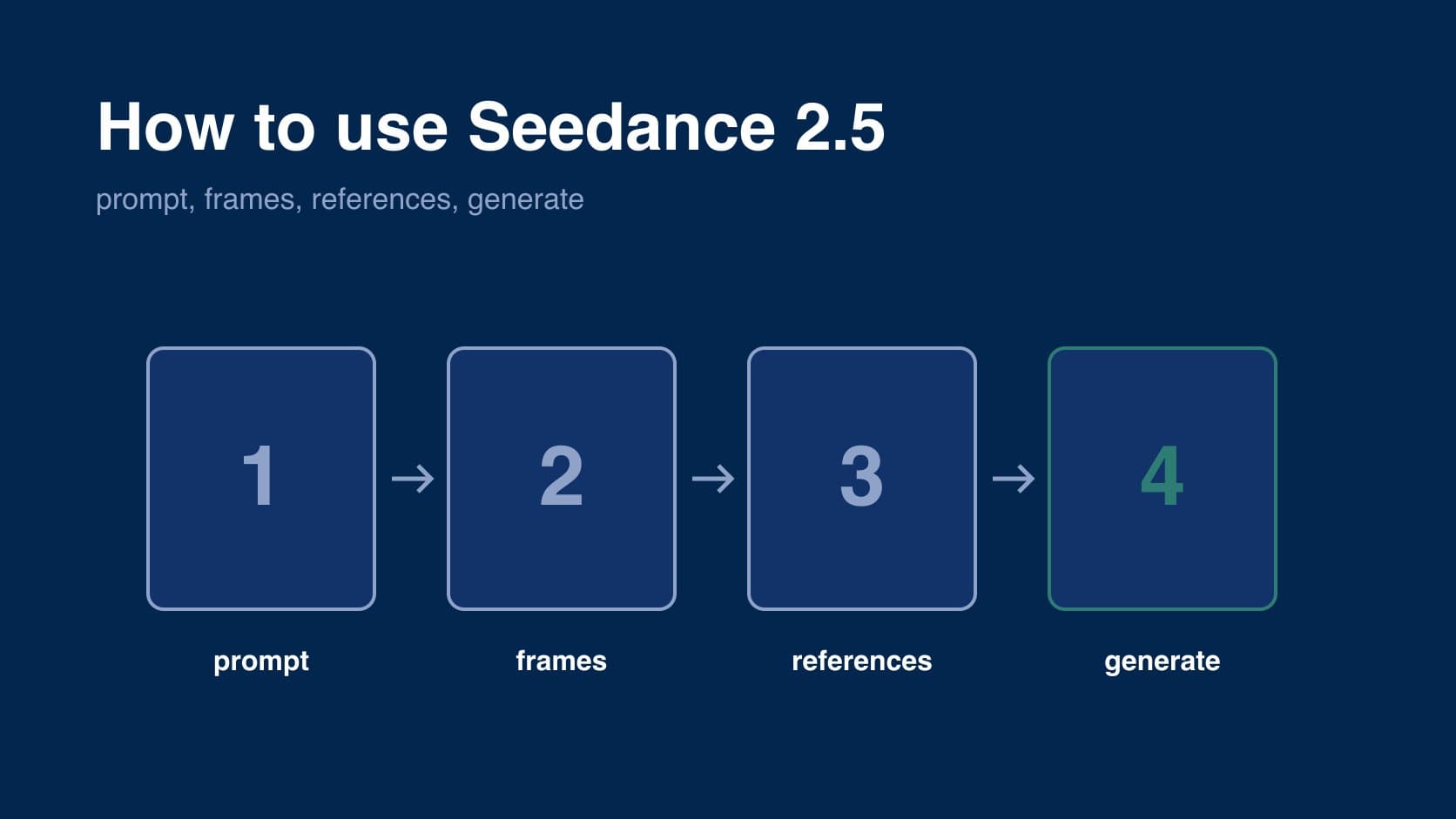
how to use Seedance 2.5: write a prompt that describes the subject, the action, the scene, the style, the camera and the sound, in that order. add a first or last frame if the clip has to start or end on a particular image, attach any reference images, clips or audio and name each one in the prompt, then choose a length of 4 to 30 seconds, a shape and a resolution, and generate.
that is the whole loop. the rest of this page takes each step in turn, then covers the fixes ByteDance itself recommends for the model's known quirks. what the model is and what it costs are in the Seedance 2.5 guide.
step 1: pick where to run it
you can use Seedance 2.5 in ByteDance's own apps, through the BytePlus API, or in a studio that runs it for you. the steps below use Clear Cortex's video studio, but the prompting advice is the same anywhere. the options are compared in where to use Seedance 2.5.
in Clear Cortex, open the Workbench, switch to video, and choose Seedance 2.5 from the model list.
step 2: write the prompt
ByteDance's prompt guide gives an order that the model follows best:
"subject + action/event + scene and environment + visual style + camera movement/shot cuts + sound"
an example in that order:
a woman in a yellow raincoat, walking a small dog along a harbour wall, at dawn with mist over the water, soft natural colour like a 35mm film still, slow tracking shot from the side, gulls and the dog's claws on stone
a few rules that help:
- describe what you want, not what you don't. the guide says negatives only work for subtitles and sound, such as "no subtitles" or "no BGM".
- keep emotion words calm. strong ones can give characters glowing eyes; the guide's fix is to soften the wording and add "normal human eyes; no glowing eyes".
- write the language you want spoken. prompts and speech work in English, Chinese, Spanish, Portuguese, Arabic, Japanese, Korean, Thai, Vietnamese, Indonesian and Malay.
step 3: direct the timing
Seedance 2.5 understands timestamps by the second, which 2.0 didn't. on a long clip, say what happens when:
0–8s: the chef plates the dish in close-up. 8–15s: the camera pulls back to show the whole kitchen. 15–20s: she turns to camera and says {"dinner's ready"}.
the guide uses brackets to separate kinds of sound: round brackets for music, angle brackets for sound effects, curly brackets for dialogue, and 【】 for on-screen subtitles.
step 4: set the frames
a first frame pins how the clip opens; a last frame pins how it ends. with both, the model makes the motion in between. use them when the clip has to start on your product shot, or land on a pack shot or a logo.
in Clear Cortex, attach an image to the prompt and give it the role first frame or last frame. on the API, BytePlus requires the adaptive aspect ratio when frames are set, so the clip takes its shape from your image.
step 5: add references
references guide the look without fixing a frame. Seedance 2.5 takes up to 30 reference images, 10 clips and 10 sounds in one request, with the clips and sounds adding up to 30 seconds at most. what each kind is for:
- images: a character, a product or a place. several angles of the same thing help it stay consistent.
- clips: a movement or camera move to copy.
- audio: a voice, a sound or a piece of music to follow. 2.5 can work from audio alone.
name each one in the prompt and say what it supplies, for example "the woman from @Image 1 wears the jacket from @Image 2, moving like the dancer in @Video 1". in Clear Cortex, attached images appear as @ chips you can drop into the prompt.
ByteDance's guide suggests staying well under the caps: one to eight image subjects, one to five clip or audio subjects, and reference clips of 5 to 10 seconds. more is not always better.
one hard rule: BytePlus says Seedance 2.5 "does not support directly uploading reference images or videos containing real human faces". use generated characters, or people who have authorised it.
step 6: choose length, shape and resolution
- length: any whole second from 4 to 30. draft at 5 and go long once the prompt works.
- shape: 16:9 for YouTube and web, 9:16 for Reels, TikTok and Shorts, 1:1 or 4:3 for feeds, 21:9 for a cinematic look.
- resolution: 480p for drafts, 720p for finals in Clear Cortex. BytePlus also offers 1080p, encoded in a 10-bit format that some players can't open.
- sound: on by default; switch it off if you'll add your own track.
each choice moves the price, and the Generate button shows it before you commit. what each costs is in how much does Seedance 2.5 cost?
step 7: generate and iterate
generate, watch it, and change one thing at a time: the camera line, the timing, a reference. the clip lands in your Assets library, so the versions sit side by side. once a short draft works, make the full-length clip at 720p.
editing and extending a clip
on the API, Seedance 2.5 can also take an existing clip and change it. BytePlus decides which job you mean from the prompt:
- edit: use a word like "edit", "add", "remove" or "replace". the source clip must be 4 to 30 seconds, and the result can come out up to 0.4 seconds shorter.
- extend: use a word like "extend" or "continue" to carry the shot on.
timestamps work here too: "replace the cup on the table at 0–4s with a glass of red wine" changes just that moment.
fixes for common problems
straight from ByteDance's prompt guide:
- misspelled text on screen: spell the word out letter by letter, or supply it as a reference image.
- music or subtitles you didn't ask for: list every name for it ("no music, no BGM, no soundtrack") and repeat it at the start and the end. BytePlus admits it "cannot currently be eliminated completely".
- the wrong character matched to a reference: number the images in the order the characters first appear.
- it looks different from Seedance 2.0: expected. the guide notes the style has drifted between versions, so retune prompts rather than reuse them.
frequently asked questions
how long can a Seedance 2.5 prompt be?
BytePlus's API reference allows up to 1,000 English words. shorter, ordered prompts work better than long ones.
can I use my own photos with Seedance 2.5?
yes, as frames or references, as long as they don't show real people's faces. product shots and places work well.
can Seedance 2.5 make dialogue?
yes. put the line in the prompt, in curly brackets in ByteDance's convention, and it generates the speech with matching lip movement.
how do I make a vertical Seedance 2.5 video?
choose 9:16. with a first frame on the API, use a portrait image, since the clip takes the frame's shape.
how do I make a video longer than 30 seconds?
extend a clip on the API, or make several clips and cut them together. a storyboard keeps the shots in order.
the summary
- prompt order: subject, action, scene, style, camera, sound.
- timing: say what happens at which second.
- frames and references: pin the start and end, name every reference, no real faces.
- settings: 4 to 30 seconds; draft short at 480p, finish at 720p.
Seedance 2.5 is in Clear Cortex's video studio, with reference roles, every shape and the price shown before you generate. see Seedance 2.5 in Clear Cortex.