 Clear Cortex
Text to video AI: how to prompt it and which model to use
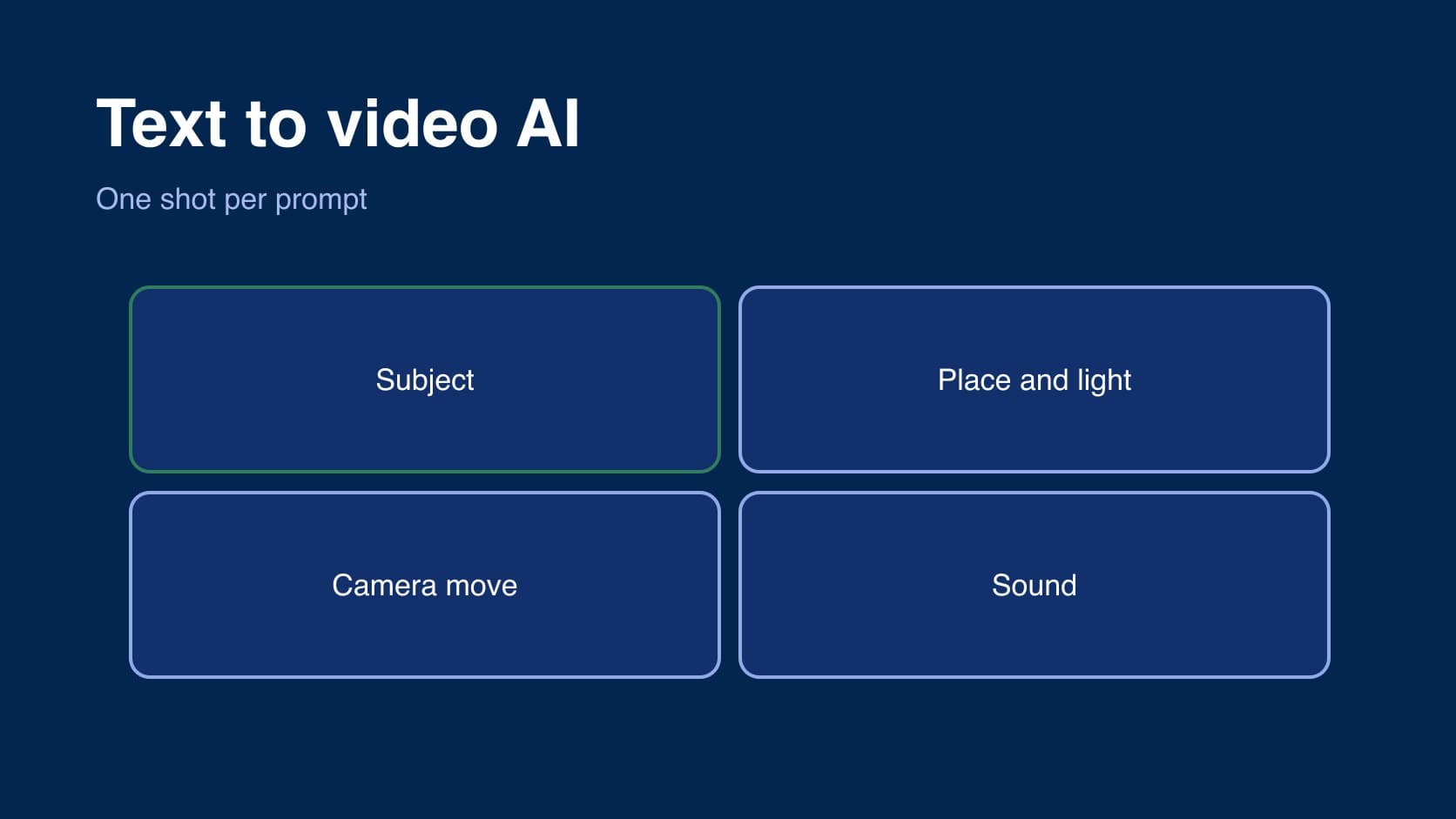
text to video AI makes a video clip from a written description alone: you describe the scene, the action and the camera, and the model generates the footage, often with sound. it is the fastest way to get an idea moving, and the least controlled. this page covers how it works, how to prompt it, which models do it well, and when to start from an image instead.
the short answer
- describe a shot, not a story: one place, one action, one camera move.
- keep clips short and join them for anything longer.
- if something must look exact — a product, a person — start from an image instead.
- generate a few; the first take is rarely the keeper.
text, image or script?
| start from | you control | use it for |
|---|---|---|
| text | the idea | concepts, b-roll, moods, quick tests |
| an image | exactly how it looks | products, people, brand work |
| a script | a sequence of shots | ads and explainers with several scenes |
the other two: image to video AI and script to video AI.
how to write a text to video prompt
- the subject and what it does.
- the place and the light.
- the camera: static, slow push-in, handheld, tracking shot.
- the sound, if the model makes it: ambience, a line of dialogue in quotes.
- the shape: 9:16 for social, 16:9 for web.
"a barista pours latte art into a white cup on a wooden counter, early morning café, soft window light, slow push-in from eye level, quiet café ambience and the hiss of the steam wand"
which models do it well
every video model in Clear Cortex takes a text prompt. they differ in length, sound and look:
- Seedance 2.0: up to 15 seconds, up to 4K, strong on characters. Seedance 2.5 goes to 30 seconds in one take.
- Kling 3.0: realistic people and motion, 3 to 15 seconds.
- Hailuo 3: 2K output, good with text and brand marks in the shot.
- Gemini Omni Flash: Google's model, with sound generated alongside.
people often mix them by job:
"Seedance for cinematic shots, Kling for keeping characters consistent, a separate tool for music, another for voiceovers."
the full comparison is in best AI video generators.
where it goes wrong
- your product won't look like your product. text can't describe a label exactly; use an image.
- too much happens. three actions in one prompt usually means none done well.
- people change between clips. for a recurring character, make them as an image first and use it as the reference.
making one in Clear Cortex
open video mode, pick a model, set length, shape and sound, write the prompt and generate. Film Studio presets set the camera, colour and light for you if you would rather start from a look.
frequently asked questions
how long can a text to video clip be?
up to 15 seconds on most models in Clear Cortex, and 30 on Seedance 2.5. longer videos are several clips joined.
does text to video make sound?
on most models, yes: ambience, effects and dialogue you write in quotes. you can turn it off.
the summary
- one shot per prompt: subject, place, light, camera, sound.
- start from an image when the look must be exact.
- pick the model by length and look.
the wider picture: AI video generator.