 Clear Cortex
Best AI video generators: which one to use for ads, realism, motion and length
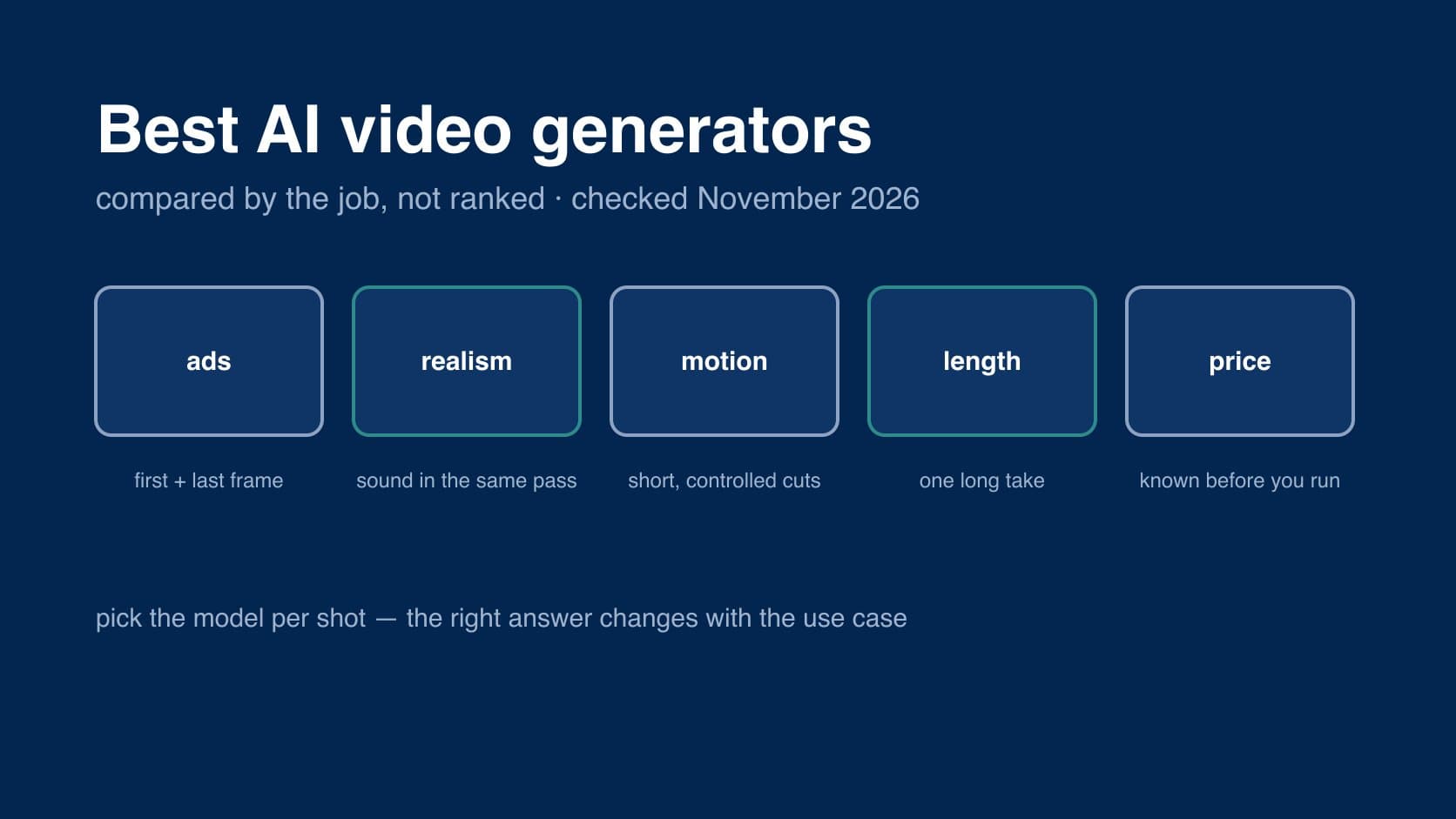
the best AI video generator is the one that suits the shot in front of you, and that is not a dodge. the models people mean when they ask — Seedance, Kling, Veo and Gemini Omni, Hailuo, Runway — are each built around a different strength, and their makers say so on their own pages. a model that is right for a fifteen-second product reveal is the wrong one for a thirty-second unbroken take, and neither is the cheapest way to find the shot in the first place.
so this guide sorts them by job: ads, realism, motion, length and price. every claim about a model comes from its maker's own page, checked in November 2026, and we say where a claim is the maker's rather than something anyone has measured. if you are new to the subject, start with what an AI video generator is and how it works.
the short answer
- for ads with a real product in them: any model that takes a start frame, starting from your own product shot. that matters more than which model you pick.
- for realism and sound: Google's Veo and Gemini Omni, and Seedance 2.0 — all three makers lead with realistic physics and audio generated with the picture.
- for controlled motion in short cuts: Kling 3.0, which its maker built around per-shot control.
- for one long take: Seedance 2.5, which runs to 30 seconds in our studio — twice what the others do in a single generation.
- for knowing the price before you press go: a model billed per second at one resolution, such as Kling 3.0 Standard or Hailuo 3, rather than one billed per video token.
people who make this work for a living arrive at the same place. from a creator who tested a stack of them for short-form and ad work:
"My rough takeaway is that “best AI video tool” depends heavily on the use case."
and more bluntly, from an ad-creator thread:
"Every "best AI video tools" list mashes 20 products into one ranked pile, which is useless because they do different jobs."
what each maker says its model is for
these are the makers' own claims, not our verdicts. where a maker cites a benchmark, it is its own benchmark unless stated.
| model | maker | what the maker leads with | source |
|---|---|---|---|
| Seedance 2.0 | ByteDance | text, image, audio and video inputs; audio and video generated together; "exceptional motion stability" | seed.bytedance.com |
| Kling 3.0 | Kuaishou | 3 to 15 seconds; multi-shot with per-shot control; native audio; "element binding" to lock a subject | kling.ai user guide, Feb 2026 |
| Gemini Omni | any input to video; start and end frames; edits that build on each other; physics; upscale to 1080p and 4K | deepmind.google | |
| Veo 3.1 | native sound effects, ambience and dialogue; first and last frame; 8-second clips; 1080p and 4K | deepmind.google | |
| MiniMax H3 | MiniMax | up to 15 seconds at 2K; native stereo sound; "accurate text and brand rendering"; aimed at ads and retail | minimax.io, Jul 2026 |
| Runway Gen-4.5 | Runway | prompt adherence, physical accuracy and controllable motion; top of one text-to-video leaderboard as of November 2025 | runway.com, Dec 2025 |
two honest caveats. first, a model's own app and the same model elsewhere are not always the same product: Kling's guide lists 1080p and multi-shot, while the Kling 3.0 we run is 720p, one shot per clip. second, Runway's page is the oldest here, and a leaderboard position from November 2025 says little about November 2026. we could not check OpenAI's Sora page when we wrote this, so it is not in the table.
best for ads
for ad work the question is not "which model looks best" but "which one keeps my product looking like my product". the answer is less about the model than about how you use it: start from a real still. every video model in our studio takes a first frame and a last frame, so a product shot can open the clip and a packshot can close it.
a media buyer describing a process that spends real money:
"I’m not a big fan of text to video and I think that generations come out way better when using a reference image (or first frame for Kling)."
of the makers, MiniMax is the one that aims its latest model squarely at advertising, and claims accurate text and brand rendering. that is a claim worth testing on your own label before you rely on it. if an exact product has to hold up across several shots, Seedance and Hailuo in our studio also take extra reference images on top of the frames; Kling and Gemini Omni take frames only. how frames work, and what makes a good one, is in image to video AI.
best for realism
Google and ByteDance both lead with it. Google's Veo page cites "real world physics and audio" and says Veo excels in physics, realism and prompt adherence; Gemini Omni's page claims an intuitive understanding of physics. ByteDance pitches Seedance 2.0 on motion stability and an "ultra-realistic immersive experience". all three generate sound with the picture rather than laying a track over it afterwards, which matters more for realism than people expect — a door that closes silently reads as fake.
none of these benchmarks is independent, and realism varies by subject more than by model. the people asking about it are specific about what they want:
"Which ai video tools do native audio and which are just bolting on a soundtrack after?"
in our studio, the realism-led models are Gemini Omni 1.1 Flash (Google's current model, which replaced Veo 3.1 here) and Seedance 2.0, which also runs up to 4K.
best for motion
Kling has built its reputation here, and its own guide is mostly about control: a flexible length from 3 to 15 seconds, multi-shot modes that let you set the content and duration of each shot, and element binding to keep a subject consistent. Runway also leads with "dynamic, controllable action generation", and lists the limitations openly — causal reasoning, object permanence, and a tendency for actions to succeed too often.
motion is also where every model is weakest the longer it runs. practitioners deal with that by cutting short. from a workflow post on AI video ads:
"Keep clips short (2-4 sec) and cut fast. AI video degrades in quality the longer the clip, so shorter cuts hide artifacts better."
in our studio Kling 3.0 makes the shortest clips of any model, from 3 seconds, which suits exactly that kind of edit.
best for length
most models top out at around 15 seconds for one generation; Google quotes 8 seconds for Veo and extends from there. in our studio the outlier is Seedance 2.5, which takes any whole second from 4 to 30, so a single unbroken shot can run twice as long as anywhere else. the trade is resolution: it stops at 720p.
for anything longer than one take, the answer is not a longer model but several clips planned together. that is a storyboard, and it is covered in script to video AI.
best for price
we would rather not quote other companies' prices — they change monthly, and they are rarely in the same unit. what matters is the unit. a model billed per second at one resolution has a price you can work out before the job runs. a model billed per video token costs more as you raise the resolution as well as the length.
subscriptions muddy the comparison further, a point one creator raised directly:
"I started wondering whether subscription prices are a useful way to compare AI video tools."
the cheapest way to make a good AI video is usually not the cheapest model — it is fewer wasted clips. draft on a lower tier (Seedance 2.0 Mini, Kling 3.0 Standard), then re-run the prompt that worked on the tier you ship. each of our model pages says how it is billed.
where Clear Cortex fits
we are not going to tell you we are the best AI video generator; we did not make any of these models. what Clear Cortex does is run several of them in one studio on one account: Seedance 2.5, 2.0 and 2.0 Mini, Kling 3.0 Standard and Pro, Gemini Omni 1.1 Flash and Hailuo 3. you can switch model between shots without losing your prompt, and every still and clip lands in the same Assets library. each model has its own page: Seedance 2.0, Seedance 2.5, Kling 3.0 Standard, Gemini Omni 1.1 Flash and Hailuo 3, among others.
the summary
- there is no single best AI video generator. the right one depends on whether the job is ads, realism, motion, length or price.
- for ads, how you start matters more than the model. start from your own product still as the first frame.
- realism and sound: Google's models and Seedance 2.0 lead on their makers' own claims.
- motion: Kling is built around control; keep every model's clips short.
- length: Seedance 2.5 for one long take; a storyboard for anything longer.
- price: compare the billing unit, and draft on a cheaper tier.
for what an AI video generator is, the three ways to make one, and every model's specs side by side, see AI video generator. when you have picked one, how to make an AI video walks through the rest.