 Clear Cortex
Freelance video editor: where AI speeds up client work
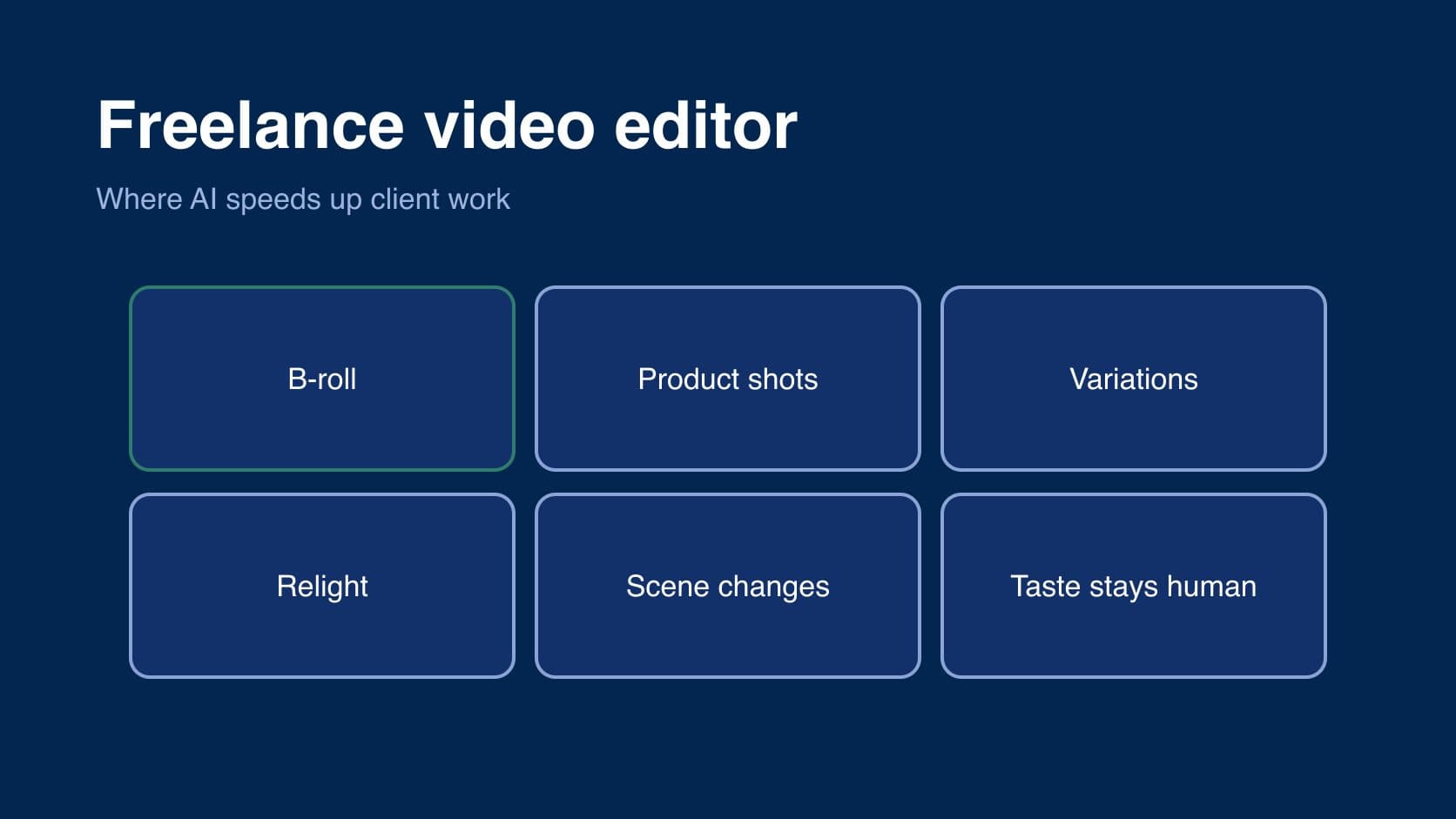
this page is for freelance video editors: people cutting video for clients, often ads and social content. AI tools have changed what clients ask for and what can be delivered in a day. used well, they let one editor take on work that used to need a shoot. used badly, they turn an editor into someone pressing generate. here is where they speed up client work, what to charge for, and what stays yours.
what clients are asking for
a typical brief still looks like this, from an agency owner describing their process:
"I write the scripts, gather images and video clips from the client, add a little stock footage if needed, and send everything to a freelance video editor."
but more job posts now name AI directly. ads for editors in performance marketing ask for things like:
"looking for a video editor experienced in meta ads and have worked on ai ugc and animation ads"
that means a freelancer who can make missing shots, not just cut supplied ones, has more to offer.
where AI speeds up client work
- b-roll. cutaways, establishing shots and texture shots the client never filmed, generated from a prompt or a still.
- product shots. a hero shot or a slow orbit of a product from one good photo, without a studio day. see image-to-video AI.
- variations. the same ad with different hooks, settings or presenters, for clients who test.
- relighting and scene changes. a clip moved to golden hour, night or rain, or relit, without reshooting.
- removing or replacing things. a distracting object out, or one product swapped for another.
- longer shots. extending a clip with what happens before or after.
the plan most editors arrive at is the same one a professional new to generation described:
"My idea was to use AI for creating the shots and then use my editing skills to bring everything together in post production."
what stays human
taste, pacing and judgement — knowing which take to use, where to cut, what the brand would never say. clients notice when it's missing. an agency hiring editors put it bluntly:
"We hired 4 for paid trials and everyone was just using AI images and had terrible taste for video editing."
also yours: checking every generated shot against the real product, handling faces and likeness with permission, and making sure nothing in an ad claims what the product can't do.
what to charge for
editors doing AI work keep asking the same thing:
"For the video editors here who do AI video ads, how much do you charge per hour/per video/retainer?"
there's no standard rate, and hours are a poor measure when a shot takes minutes instead of a day. price the outcome instead: the finished video, the set of variations, or a monthly volume of creative. agree up front who pays for generation, how many rounds of revisions are included, and who owns the output. the value you sell is the edit and the judgement, not the button.
frequently asked questions
will AI replace freelance video editors?
it replaces some shoots and repetitive tasks. editors who can combine generated shots with a strong cut are more useful to clients, not less.
should I tell clients I use AI?
yes. clients need to know for platform disclosure rules and usage rights, and it avoids surprises later.
which AI video tools should a freelance editor learn?
one good generator and one way to edit generated clips, alongside the timeline editor you already use. see best AI video editor.
the summary
- AI makes the shots: b-roll, product shots, variations, relighting and scene changes.
- you make the edit: taste, pacing and checking it's true.
- charge for outcomes, not hours, and agree rights and revisions up front.
Clear Cortex isn't a timeline editor; it's where you make the shots. video mode and Film Studio generate clips, Marketing Studio makes product videos from a photo, and each clip's Edit tab can relight it, change its scene, remove or replace something, or extend it — including clips you upload. you cut the result in your own editor. the overview is AI video editor.