 Clear Cortex
Which Flux.2 model: Klein, Pro or Max?
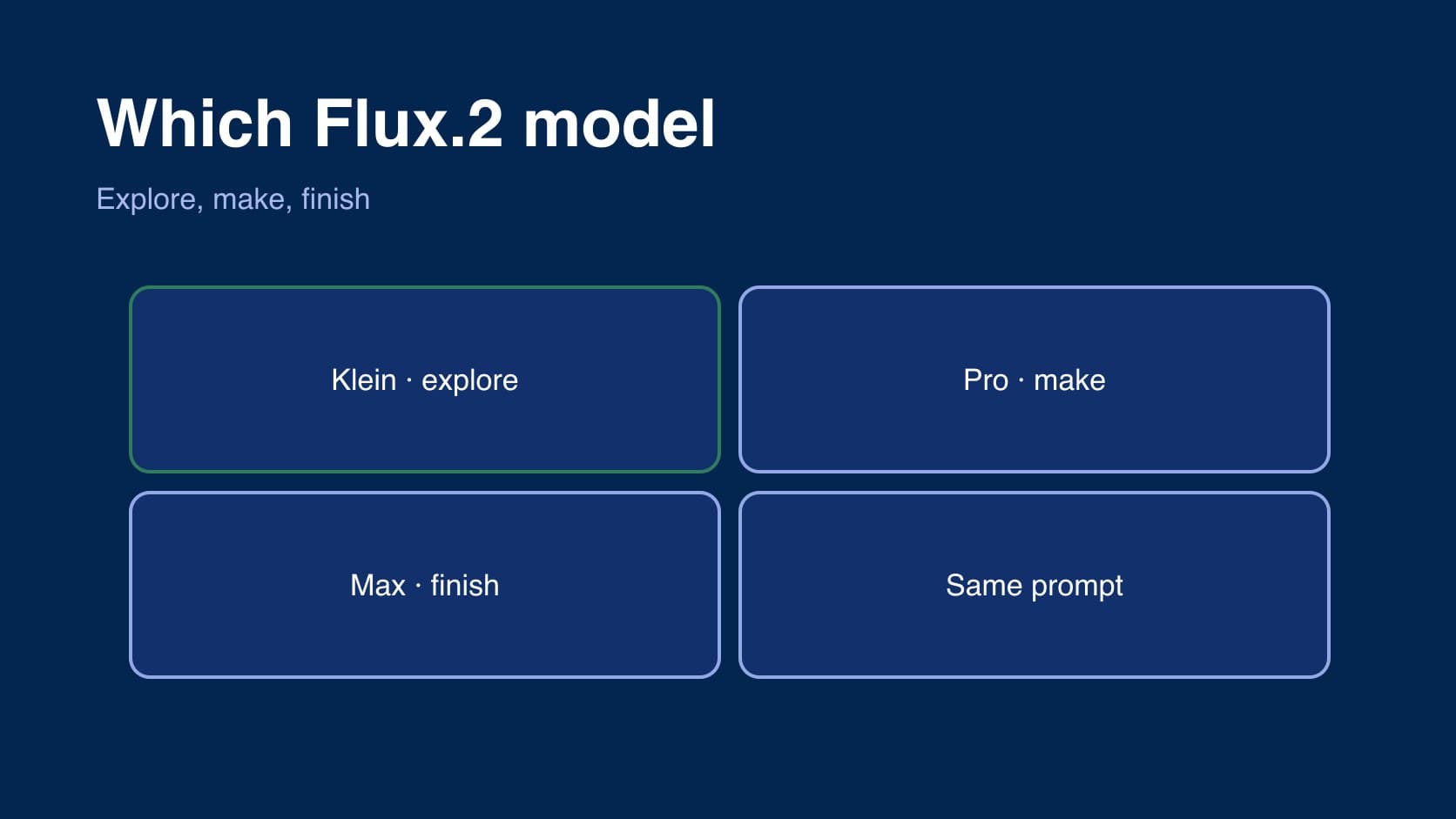
which Flux.2 should you use? Klein to try ideas quickly and cheaply, Pro for most finished work, and Max when the image is the final and detail matters most. all three take the same prompts, so you can move an idea up the ladder without rewriting it.
side by side
| Klein | Pro | Max | |
|---|---|---|---|
| for | drafts | everyday finished work | finals, maximum detail |
| speed | fastest | fast | slowest |
| cost | lowest | middle | highest |
| reference images | a few | more | more |
a workflow that uses all three
- Klein: try five or six framings and moods.
- Pro: take the best prompt and make it properly.
- Max: only for the image that goes on the billboard, the homepage or the print.
keep the prompt identical as you move up; change the model, not the words, so you are comparing like with like.
when not to use Flux at all
for heavy editing of your own photos, or combining several products and people, use Nano Banana or GPT Image 2, which read more references.
in Clear Cortex
all three are in the model picker in image mode; the price for each shows on the Generate button. model pages: Klein, Pro, Max.
the summary
- Klein to explore, Pro to make, Max to finish.
back to the Flux.2 guide.