 Clear Cortex
GPT Image 2: OpenAI's image model, explained
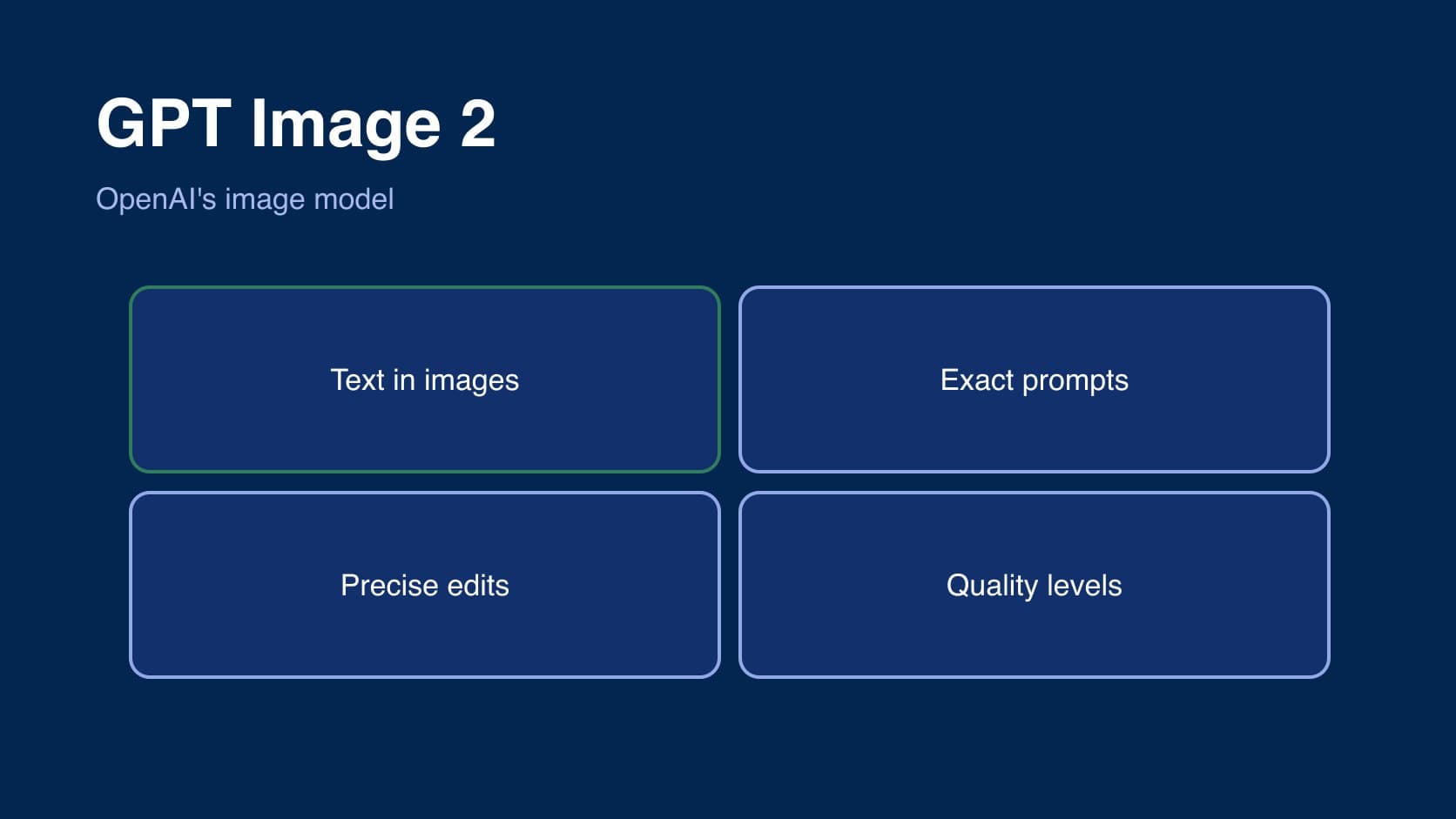
GPT Image 2 is OpenAI's image model, the company behind ChatGPT. it is the strongest model in Clear Cortex at following long, exact instructions and at putting readable text into images, and it is good at precise edits to a photo you give it.
the short answer
- made by OpenAI.
- best at: text in images, long prompts with many details, precise edits.
- priced by quality: low, medium or high. pricing.
- shows a preview while it draws, so you see the image forming.
what it is good at
- text: posters, packaging mock-ups, ad headlines, menus.
- complicated scenes where every item in the prompt has to appear.
- edits that change one thing and leave the rest alone.
- many references at once, for combining products, people and places.
ad makers use it to restyle a real person for variations:
"Use a real actor and change her look with GPT Image or NB."
where it falls short
- high quality is slow and dear; medium is enough for most work.
- fewer shapes than Nano Banana 2 or Seedream 4.5 — no very tall or very wide banners.
settings
- quality: low for drafts, medium by default, high for finals.
- shape: auto, square, portrait, landscape and 21:9.
- background: auto or opaque.
all of them on the GPT Image 2 model page.
how to use it
open image mode with GPT Image 2, set quality and shape, attach references, and write the prompt. for text, put the exact words in quotes. what it is in one page: what is GPT Image 2.
frequently asked questions
who makes GPT Image 2?
OpenAI, the company behind ChatGPT. it is available through OpenAI's API and in tools built on it, including Clear Cortex.
GPT Image 2 or Nano Banana?
GPT Image 2 for text and long exact prompts; Nano Banana 2 for fast edits and drafts.
the summary
- OpenAI's image model.
- best for text and exact instructions.
- medium quality for most jobs.
comparing models: AI images.