 Clear Cortex
UGC content: where brands use it and how to make it work
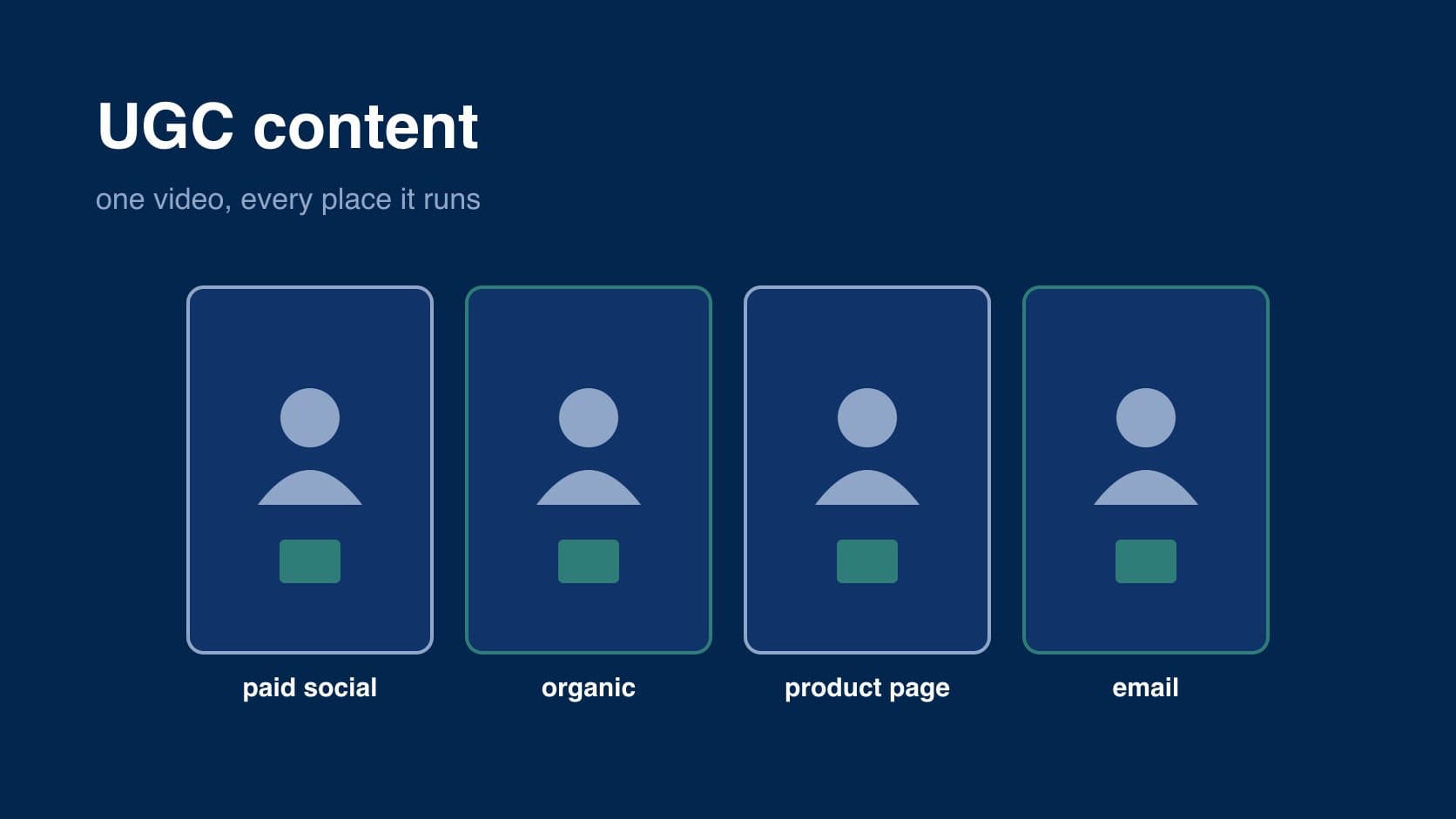
UGC content is the customer-style photos, videos and reviews a brand collects or commissions, and its value depends almost entirely on where you put it. the same thirty-second clip can be an ad, a product-page video, an email header and an organic post, and most brands use each piece once.
this page is about using UGC content well: which channels it suits, how to get several uses out of one piece, how to keep a library you can actually find things in, and how to tell what is working. what the formats look like is covered in what is UGC content.
where UGC content goes
paid social
TikTok, Instagram and Facebook Reels, YouTube Shorts. the biggest use by spend. paid UGC content needs a strong first two seconds and enough variants to test, because one video tells you very little. the hooks, scripts and testing are in UGC ads.
organic social
reposting customer content on your own accounts, with permission. it fills a posting schedule with material that looks native to the platform, and it rewards the customer who made it.
product pages
customer photos in the gallery, short clips next to the reviews, a tutorial under the description. this is where UGC content answers practical questions: real size, real colour, how it holds up.
a customer photo or a frame from a review video in a launch email, an abandoned-basket email or a post-purchase sequence. it breaks up a brand-designed layout with something that looks like a person.
landing pages
a quote and a clip beside the offer, so the page that receives ad traffic shows the same kind of person the ad did. keeping the ad and the page consistent matters more than the page being polished.
marketplaces
Amazon, Etsy and other marketplaces show customer reviews and photos alongside listings, and some let brands add video. that content is what marketplace shoppers compare on.
get several uses from one piece
a single creator video can usually be cut into more than one asset. before you commission or collect anything, decide where it will go, so the person filming covers what each channel needs.
- hooks. ask for three or four different opening lines over the same footage. each is a separate ad variant.
- lengths. a full version for the product page, a short cut for paid social, a few seconds for a story.
- stills. frames from a video work as email images and carousel cards.
- quotes. a line from a review can become a caption, a landing-page quote or an ad headline.
every extra use needs to be covered by the permission or licence you have. a customer who agreed to a repost has not agreed to an ad, and a creator's fee usually depends on where and for how long the video runs. one practitioner on what to check in a creator contract:
"if the contract doesn't name a window, that is not an accident."
keep a library you can search
UGC content piles up fast, and the common failure is not having too little but being unable to find the right piece or remember whether you can still use it. one person asking other founders how they handle it:
"Been talking to a bunch of indie brand founders lately and everyone seems to be handling this the same way contracts in Gmail, assets scattered across Dropbox, no idea when usage rights expire."
a simple system covers most of it. for every piece, record:
- the product it shows, and the format (review, unboxing, tutorial and so on)
- who made it, and whether they were a customer or paid
- where you are allowed to use it, and until when
- where it has run, and how it did
the usage end date is the field that saves you trouble. an ad that keeps running after its licence ends is a dispute waiting to happen.
how to tell what is working
measure UGC content by the job it was given on each channel, not with one number for everything.
- hook rate. the share of viewers still watching after the first few seconds. it tells you whether the opening works, and it is the first thing to look at for a paid video.
- hold rate. how much of the video people watch. a strong hook with a poor hold usually means the middle drifts.
- click-through rate. whether the video makes people want to find out more.
- conversion rate. whether the people who click go on to buy. compare product pages with and without UGC content to see what it adds there.
judge on enough data. a handful of videos can't separate a weak angle from bad luck. one advertiser asked the question many people should:
"Is 4 creatives / $400 just way too little data to judge anything?"
for the bigger picture on UGC, including where it comes from, see the UGC guide, and for sourcing it, how to get UGC.
what counts as UGC content
for the purposes of using it, UGC content is anything about your product made by someone outside your team: customer photos and videos, written reviews, and paid creator videos filmed in a customer's style. a brand's own studio shoot is not UGC content, even if it is filmed on a phone. the formats themselves, from unboxings to tutorials, are laid out in what is UGC content.
what makes UGC content perform
the same three things decide whether a piece earns its place on any channel.
the opening
on paid and organic social the first two seconds decide everything, and that holds even for polished, expensive content. one advertiser:
"I have also had polished human ugc completely flop because the hook was weak and the viewer was gone before anything meaningful happened."
on a product page the opening matters less, because the shopper is already interested. there the content has to answer a question quickly.
looking like the place it runs
UGC content works because it looks like what is around it. a vertical phone clip fits a feed; the same clip squeezed into a widescreen banner on a homepage looks out of place. crop, caption and cut each piece for the channel rather than dropping one file everywhere.
showing, not telling
the best-performing pieces show the product doing its job. a person praising it is weaker than a person using it, and much weaker than a visible before and after.
where UGC content comes from
there are five sources, and most brands end up using more than one: your own customers, creators hired directly, a UGC platform, a UGC agency, and AI. customers are the cheapest and most believable source, and also the one brands neglect. one marketer asked:
"When did we stop trying to get actual customer content? Is it just too hard now?"
a simple post-purchase email asking for a photo, with a clear note of where you might use it, keeps a trickle coming. paid routes fill the gaps, especially for ads, where you need control over the hook and the script. the trade-offs are in how to get UGC, and the agency route in detail in UGC agency.
what UGC content costs
customer content costs your time and, often, a small thank-you. paid content costs a base fee per video plus extras for each additional use, which is why planning the uses first, as above, matters for the budget too. creators get asked about those extras constantly:
"Do you usually charge more for things like usage rights, multiple hooks, or raw footage?"
usually yes, for all three. running content as paid ads, for a long window or from the creator's own handle costs the most. two figures practitioners gave for those extras:
"paid usage with no end date (perpetual) should cost a lot more, think 2.5x to 4x your base fee."
"whitelisting (ads through your handle) is +30 to 100%."
base fees themselves are covered in UGC creator.
UGC content vs influencer content
influencer content runs on the influencer's account and is bought for their audience; UGC content runs on yours and is bought for the content itself. mixing the two up is an expensive mistake, because an influencer brief and a UGC brief want opposite things. one brand that hired an influencer to make product content found the product barely featured:
"She built an audience around herself, and we were dumb enough to assume that translated to moving product."
if the goal is content you can run in ads and on product pages, brief for UGC: the product is the subject and the person is the delivery.
permission and labelling for each use
- organic reposts need the customer's permission, in writing, for the account you will post it on.
- product pages and email need permission that names those uses; a yes to a repost does not cover them.
- paid ads need explicit permission or a licence for paid use, for a stated period.
- anything paid or gifted is advertising and must be labelled as an ad, clearly and upfront, in the content itself. the UK and US rules, checked November 2026, are in what is UGC.
frequently asked questions
how do I get UGC content?
ask your customers, with a post-purchase email or a note in the parcel, and pay creators for the pieces you need to control, such as ads. platforms and agencies can manage creators for you at a higher cost. the five routes are compared in how to get UGC.
how do I use UGC content on a website?
put customer photos in the product gallery, short clips next to the reviews and a tutorial under the description, where they answer questions about size, colour and use. on landing pages, match the content to the ad that sent the visitor. make sure your permission covers website use.
can I use customer content in ads?
only with the customer's clear permission for paid use, which is a bigger ask than a repost, so say so plainly. keep the reply. if you gave them anything in return, the ad has to be labelled as such.
how should I organise a UGC library?
one record per piece: the product, the format, who made it, whether they were paid, where you may use it and until when, and where it has run. the usage end date is the field that matters most, because content that outlives its licence causes disputes.
what is the difference between UGC content and branded content?
branded content is made by the brand or its agency and looks like it: designed, lit, on message. UGC content is made, or made to look made, by a person outside the brand. brands need both. branded content sets the look; UGC content makes the claims believable.
how much UGC content do I need?
enough to compare, especially for ads. a few videos rarely tell you anything, which is a common and expensive surprise:
"Everyone saves up, hires a UGC creator, gets 4 videos back, runs them, and learns basically nothing, because 4 assets is not a test."
asking for several hooks on each video is the cheapest way to get more variants from the same budget.
how often should UGC content be refreshed?
ads tire as the same audience sees them repeatedly, so watch for falling results on a piece that used to work and have the next variants ready. product-page content lasts much longer, as long as it still shows the current product.
can I edit UGC content?
a paid creator's licence usually says whether you can recut, and raw footage makes that much easier. for customer content, keep edits to trimming and captions, and never change what the person said or imply something they did not.
the summary
- UGC content works on six channels: paid social, organic social, product pages, email, landing pages and marketplaces.
- plan the uses before you film, so one piece becomes several hooks, lengths, stills and quotes.
- every use needs permission or a licence that covers it. a repost is not an ad.
- log each piece with its usage end date, or you will lose track of what you can still run.
- measure by the job: hook and hold for ads, conversion for product pages.
in Clear Cortex, the Marketing Studio has UGC, review and unboxing presets that take a product image and a presenter image and make a UGC-style image or clip, and everything you make lands in Assets alongside the footage you already have. see AI UGC in Clear Cortex.