 Clear Cortex
How to change a photo with AI: recipes with prompts
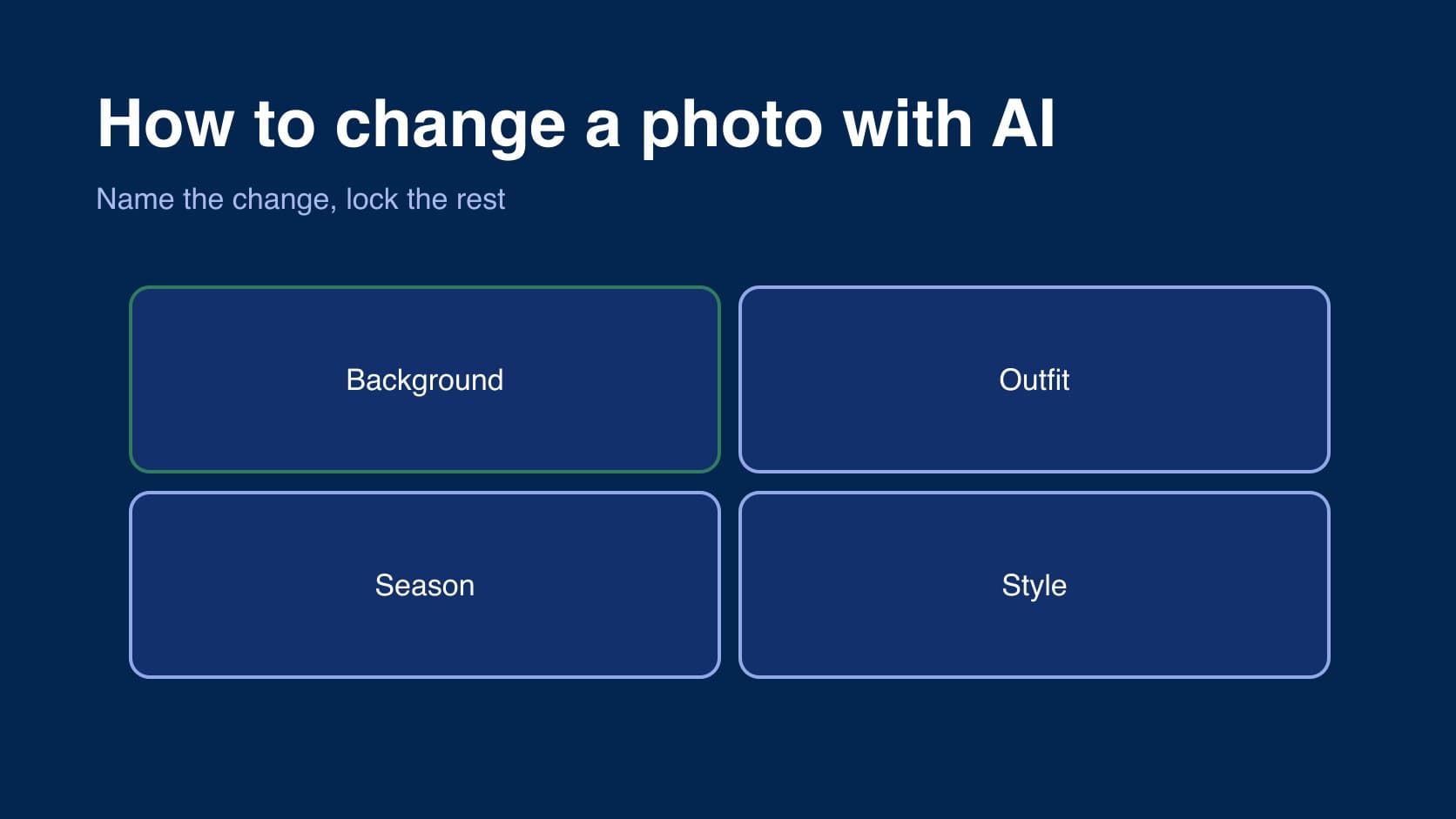
to change a photo with AI, attach it, describe the one thing that should be different, and say what must stay the same. below are recipes for the changes people ask for most, each with a prompt to copy.
new background
"keep the person in image 1 exactly as they are and replace the background with a sunny rooftop terrace in the city, late afternoon light coming from the same side as in the photo"
matching the light direction to the original is what makes it look real.
new outfit
"same person, same face, pose and background as image 1; change only the outfit to a navy linen suit with a white t-shirt"
different time of day or season
"the street in image 1, same buildings and framing, but in winter at dusk: snow on the pavement, warm light in the windows, streetlights on"
product into a lifestyle scene
"the mug from image 1 on a wooden desk next to an open laptop and a notebook, morning window light, close-up, the mug's print unchanged"
with a second photo for the scene, see combine two images with AI.
add or remove something
"image 1 exactly as it is, but remove the coffee cup from the table and add a small potted plant in its place"
change the style
"turn image 1 into a clean flat illustration with bold outlines and a limited palette of navy, cream and orange, same composition"
tips that apply to every change
- one change per try. stack them only once each works alone.
- edit from the original, not from the last result, so faces don't drift.
- use a sharp, well-lit photo. the model can't keep detail it can't see.
- make a few and keep the best.
in Clear Cortex
open image mode, attach the photo, paste a recipe and edit the details, then generate. the wider picture is in AI photo editor.
the summary
- name the change, lock the rest.
- match the light when you change the background.
- one change per try, from the original.