 Clear Cortex
How to combine two images with AI: products into scenes, people into places
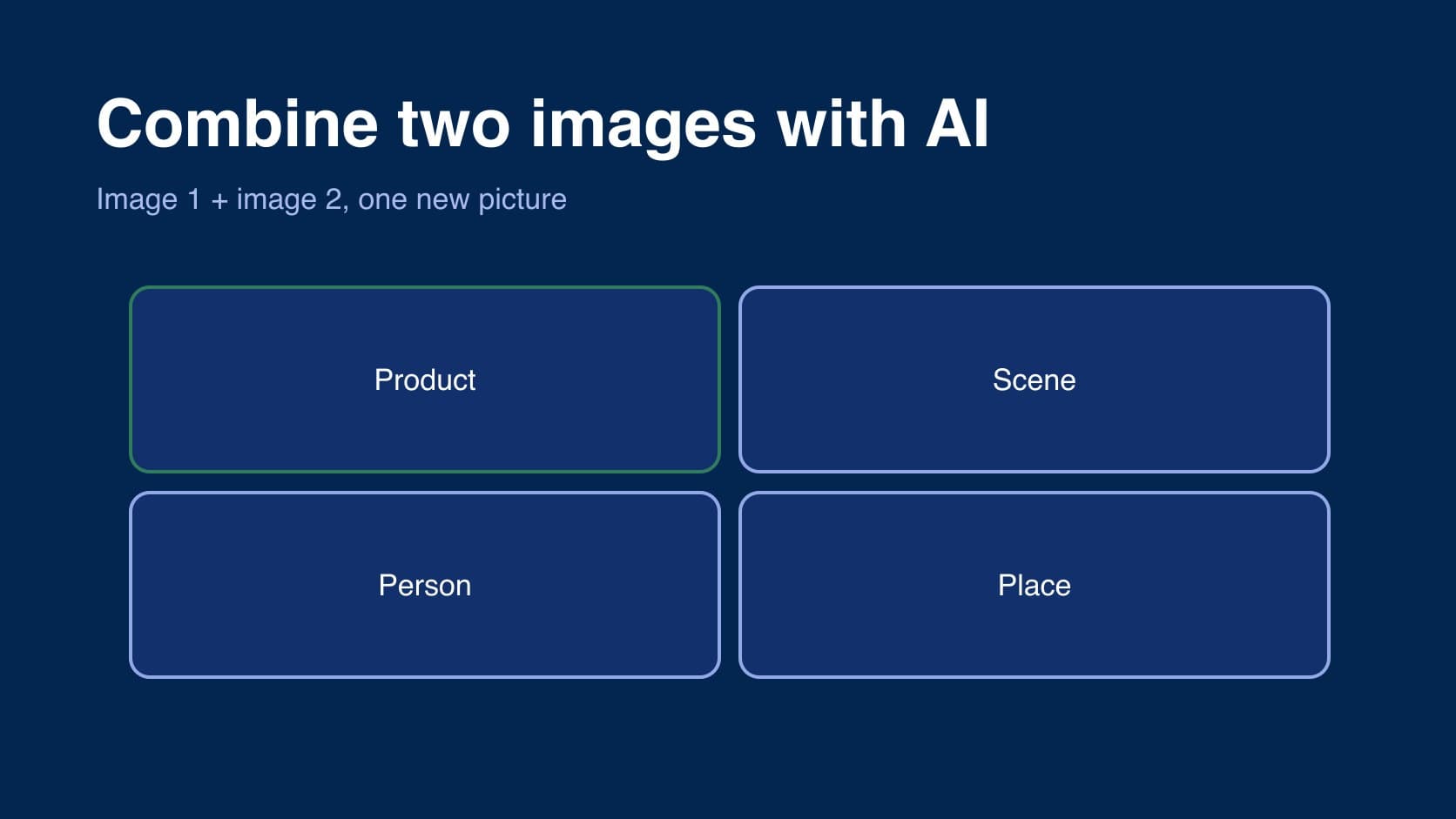
combining two images with AI means giving a model both pictures and telling it how they go together: put this product in that room, this person in that outfit, this logo on that mug. the model draws a new image that keeps what matters from each. it is not a cut-and-paste collage; the light, shadows and perspective are redrawn so the result looks like one photo.
the short answer
- attach both images as references, then say in the prompt what each one is for.
- name them: "the bottle from image 1 on the table from image 2" works better than "combine these".
- describe the finished picture: framing, light and where things sit.
- check the detail you care about: a label, a face, a pattern. make a few and keep the most faithful.
what you can combine
- a product and a scene: your packshot on a kitchen counter, a beach towel, a shelf.
- a person and a product: someone holding, wearing or using it.
- a person and a place: the same face in a new setting.
- a design and an object: a print on a t-shirt, a logo on a sign.
- a style and a subject: the look and colours of one image applied to the content of another.
how to merge two images with AI
- choose clear sources. the product should be sharp and fully in frame; the scene should already have roughly the light you want.
- attach both as references, in the order you will mention them.
- write what goes where. for example:
"the skincare bottle from image 1 standing on the marble bathroom shelf from image 2, soft morning light from the window, the label facing camera and unchanged, shallow depth of field"
- say what must not change: "the label exactly as in image 1" stops the model tidying it up.
- generate a few and compare. if the product drifts, use a model that holds references more tightly, or add a second, closer photo of it.
generate similar images
the same idea works with one image. attach a picture you like and ask for variations: "the same composition and colours, but autumn", or "this style, with a dog instead of a cat". it is the quickest way to get a set of images that look like they belong together, for a campaign or a product range.
where it goes wrong
- scale: the product comes out too big or too small. say its size, or put something familiar next to it.
- light that doesn't match: name the light source once, for the whole picture.
- text and logos: small lettering gets redrawn. use the clearest photo you have and check it.
- too many sources at once: each extra image is another thing to keep faithful. start with two.
combining images in Clear Cortex
in image mode, attach both pictures (or pick them from Assets), write what goes where, and generate. Nano Banana 2, Nano Banana Pro, GPT Image 2 and Seedream 4.5 all take several references. for product-in-scene work, Marketing Studio's lifestyle and product shot presets set the shape and the starting prompt for you.
frequently asked questions
can AI combine two photos into one?
yes. attach both as references and describe how they fit together; the model draws one new image with matching light and perspective.
will it keep my product exactly?
close, not guaranteed. say what must not change, use a sharp source photo, and make a few versions to pick from.
the summary
- attach both images and refer to them by number.
- describe the finished picture and what must stay the same.
- make a few and check the details.
more on prompts and models in AI images.