 Clear Cortex
AI images: how to create them, make them look real, and choose a model
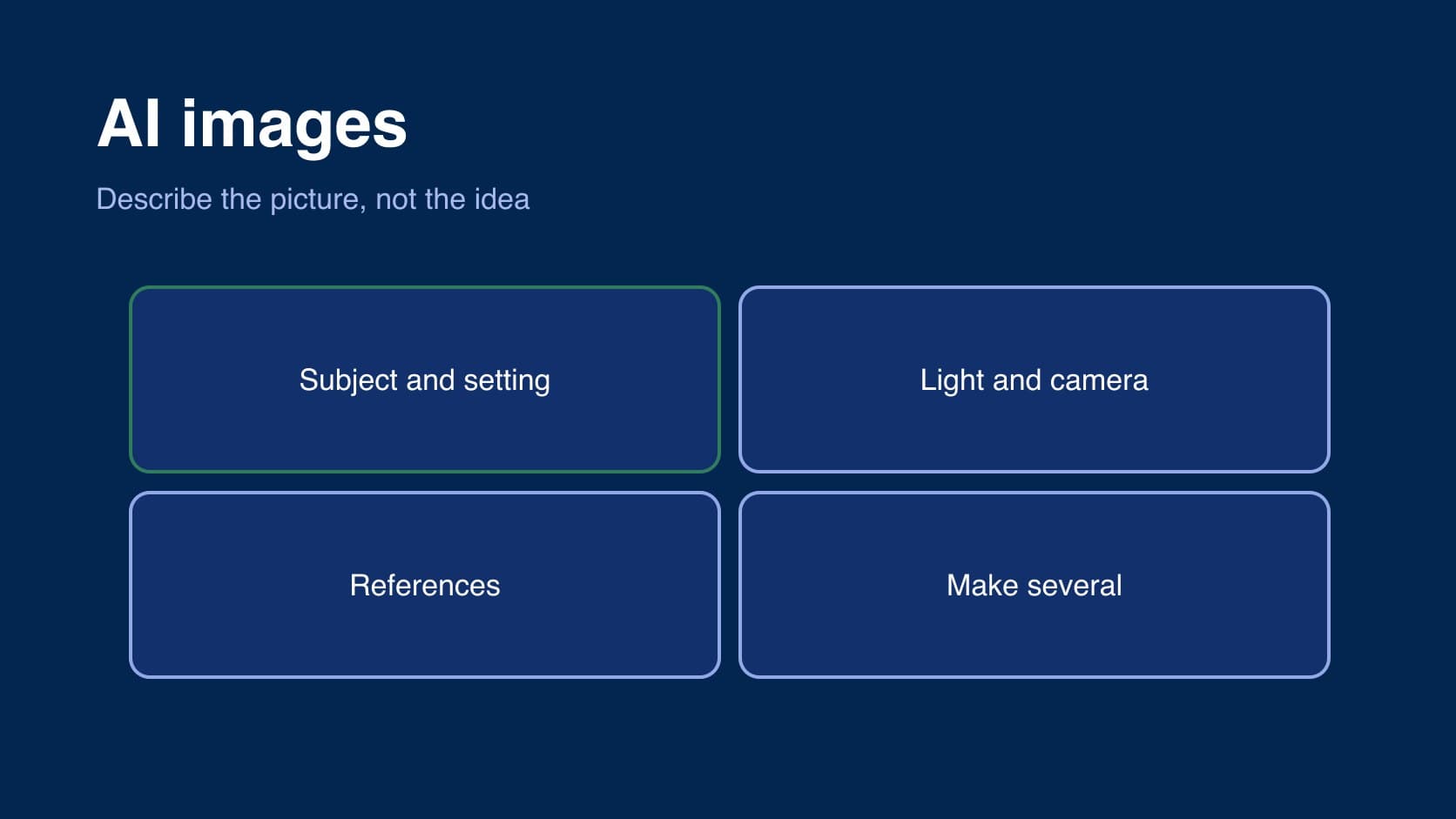
an AI image is a picture made by a model from a written description, and often from one or more images you give it as a reference. you describe what should be in the frame and how it should look; the model draws it in seconds. this page covers how that works, how to get a realistic result rather than an obviously generated one, and how to choose a model for the job.
the short answer
- describe the picture, not the idea. subject, setting, light, framing and style, in plain words.
- use a reference when something has to look exact: a product, a face, a room. text alone gets close; a reference gets it right.
- pick the shape first. 9:16 for Stories and Reels, 4:5 for feed posts, 16:9 for banners and YouTube.
- make several and keep the best. the first result is a draft, not the answer.
how AI images are made
an image model has learned, from a very large number of pictures and their captions, how words map onto what things look like. when you write a prompt, it starts from noise and refines it, step by step, into an image that matches the description. newer models also read the images you attach, so they can keep a product's label or a person's face while changing everything around it.
that is the difference that matters in practice. a text-only prompt gives you a plausible version of what you asked for. a prompt with a reference gives you your thing, in a new scene.
how to create AI images
- start with the use. an ad, a product page, a thumbnail, a mood board. it decides the shape and the level of polish.
- write the prompt in this order: the subject, what it is doing, where, the light, the camera (close-up, wide, eye level), then the style.
- attach references for anything that must stay the same: the product, the person, a colour palette.
- generate a few at once and compare them side by side.
- change one thing at a time. if the light is wrong, fix the light and leave the rest of the prompt alone, so you know what made the difference.
a weak prompt and a strong one, for the same picture:
"a nice photo of a coffee cup"
"a white ceramic coffee cup on a pale oak table by a window, morning light from the left, steam rising, shallow depth of field, shot at eye level, natural colours"
realistic AI images
most "AI-looking" images give themselves away in the same places. ask for the opposite of each:
- light: name a real source (a window, overhead office light, golden hour) instead of leaving it to the model, which tends towards a glossy studio glow.
- skin and surfaces: ask for texture, pores, fabric weave, scuffs. perfect smoothness is the tell.
- the camera: "shot on a phone" or "35mm, eye level" pulls the result towards ordinary photography.
- clutter: real rooms have things in them. an empty, symmetrical scene reads as generated.
- hands and text: check them every time. they are where models still slip.
best AI for images
there is no single best model; each is strongest at something different. the ones in Clear Cortex, by what they are good for:
| model | choose it when |
|---|---|
| Nano Banana 2 | you want a fast, strong all-rounder that keeps references faithful. |
| Nano Banana Pro | detail and accuracy matter more than speed, or the image has text in it. |
| GPT Image 2 | the prompt is long and specific, with many things that all have to be right. |
| Seedream 4.5 | you want polished, high-resolution photography and product shots. |
| Flux.2 Pro / Max | you want a photographic look and fine control over style. |
if you are unsure, run the same prompt through two models and compare. it costs less than guessing.
what AI images are used for
- ads and social posts, in every size a campaign needs, from one product photo.
- product pages: white background, lifestyle, detail and scale shots.
- concepts and mood boards before a real shoot.
- characters that stay the same person across many images.
- the first frame of a video. a good still is the easiest way into AI video; see image to video AI.
to put two pictures together — a product into a scene, a person into a room — see how to combine two images with AI.
making AI images in Clear Cortex
open image mode, pick a model, choose the shape, write the prompt and attach any references. every result lands in Assets, where you can use it as a reference for the next image or as the start frame of a clip. Marketing Studio has presets for product shots, lifestyle, flat lay and UGC-style images, and Character Studio makes people who stay consistent across images.
frequently asked questions
can I use AI images commercially?
usually, but it depends on the model's terms and on what is in the image. do not recreate real people, brands or artwork you do not have rights to, and check the terms of the model you used.
how do I make AI images look real?
name a real light source and camera, ask for texture and a little clutter, and check hands and text before you use it.
what is the best AI for images?
it depends on the job. Nano Banana 2 is a strong default; Nano Banana Pro for detail and text; Seedream 4.5 for polished product photography.
the summary
- describe the picture: subject, action, setting, light, camera, style.
- add references for anything that must look exact.
- make several, change one thing at a time.
- choose the model by the job, and compare two when unsure.
to make one now: AI images in Clear Cortex.