 Clear Cortex
AI product video generator: product shots, lifestyle, unboxing and UGC from one photo
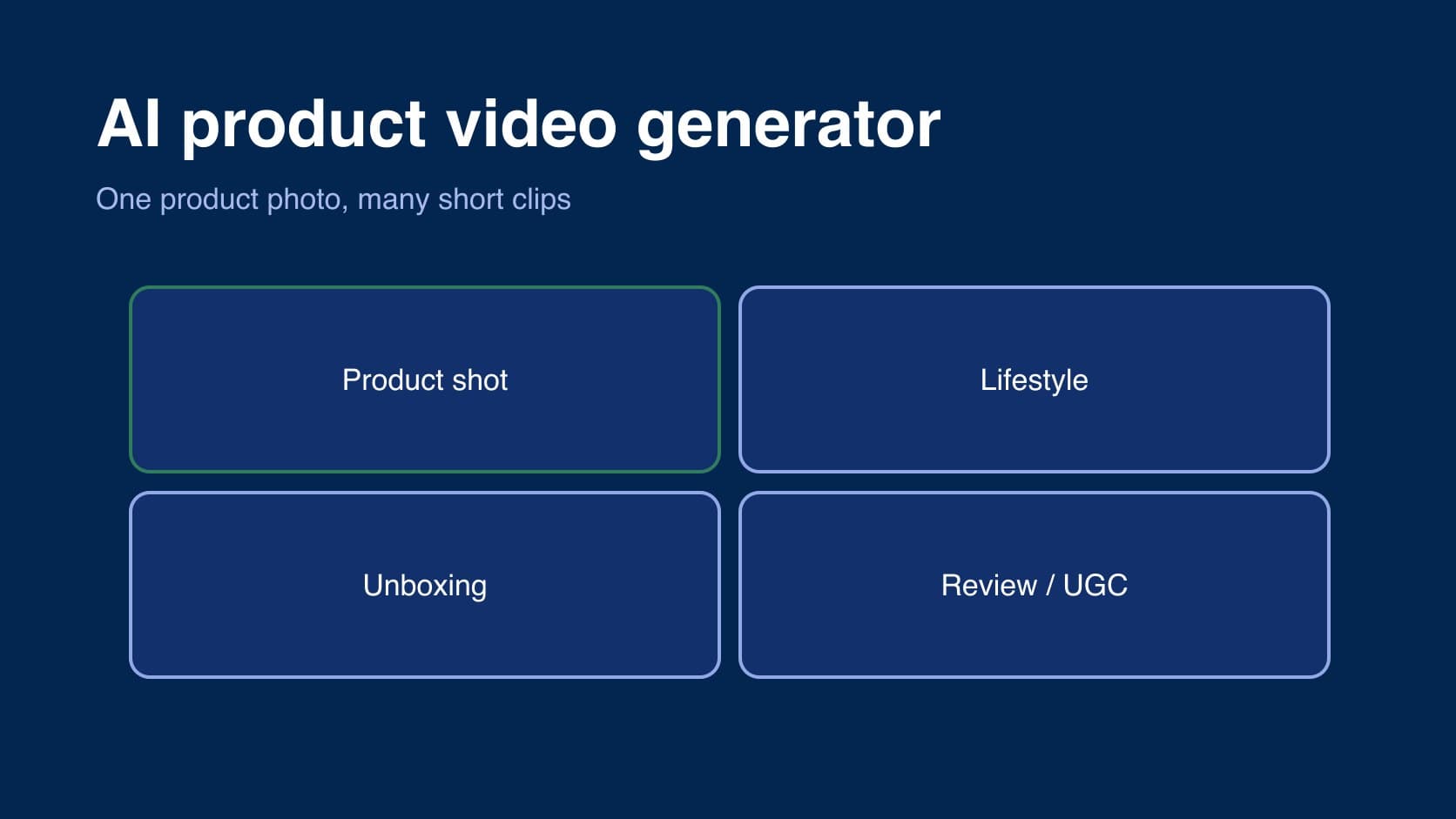
an AI product video generator turns a photo of your product into a short video: the product turning on a plinth, being unboxed, used in a kitchen, or reviewed by a creator. it replaces the shoot for the many small clips a shop needs — product pages, ads, social posts — and makes it cheap to try several versions. this page covers which kinds of product video it does well, how to keep the product accurate, and how to make one.
the short answer
- start from a clean product photo, sharp and fully in frame.
- pick the format first: product shot, lifestyle, unboxing, review or UGC.
- say what must not change: the label, the colours, the shape.
- make a few versions and keep the one where the product stays truest.
the kinds of product video it makes
| format | what it is | use it for |
|---|---|---|
| product shot | the product alone, moving slowly in clean light | product pages, ad openers |
| white background | a turn or close move on plain white | marketplace listings |
| lifestyle | the product in a real setting, in use | social and display ads |
| detail close-up | texture, materials, the bit that sells it | product pages, retargeting |
| unboxing | hands opening the box and revealing it | social, launch posts |
| review / UGC | a person holding it and talking to camera | TikTok, Reels and Meta ads |
| product reveal | a cinematic, lit reveal | launches, website heroes |
keeping the product accurate
the risk with any generated product video is the product changing: a label redrawn, a cap the wrong shape, a colour drifting between frames. a creator testing it for ads put it this way:
"Been playing with Seedance 2.5 since last week for product video generation, and the quality is genuinely impressive, until the product changes between frames."
and for anything where the detail is the point:
"With a luxury product, I don't want AI quietly changing the shape, material or small details just because the new version looks better."
four things keep it close:
- a good source photo: sharp, evenly lit, the whole product visible, the label readable.
- the product as a reference, not just a start frame, so the model checks against it through the clip.
- an explicit line in the prompt: "the product exactly as in the reference, packaging and label unchanged".
- gentle motion. a slow push-in holds the product better than a fast spin.
check every clip at full size before it runs. a wrong label in an ad is worse than no ad.
how to make a product video with AI
- choose the format from the table above, and the shape: 9:16 for social, 1:1 or 4:5 for feeds, 16:9 for websites.
- add the product photo, plus a presenter image if a person is in the shot.
- describe the moment: where it is, what happens, the light. for review and UGC, write the line the presenter says.
- generate a few, keep the best, and change one thing at a time to improve it.
product videos in Clear Cortex
Marketing Studio has a video preset for each format above — product shot, white background, lifestyle, detail close-up, in the box, scale, feature callouts, flat lay, unboxing, review and UGC — and Film Studio adds a cinematic product reveal and a lifestyle ad. add your product image (and a presenter for review and UGC), describe the moment, and generate. results land in Assets, filed into the project you are working in.
frequently asked questions
can AI make a video from a product photo?
yes. one clean photo is enough for a product shot, lifestyle or unboxing clip; add a presenter image for review and UGC formats.
will the product look the same?
close, if the photo is sharp and the prompt says what must not change. check labels and text in every clip.
how long are the clips?
short — seconds, not minutes — which suits product pages and ads. join several for a longer edit.
the summary
- a clean photo in, the format chosen first.
- product as a reference, with what must not change written down.
- gentle motion, a few versions, every clip checked.
for UGC-style clips in detail, see UGC video; for the wider picture, AI video generator.