 Clear Cortex
Nano Banana prompts that work, with examples
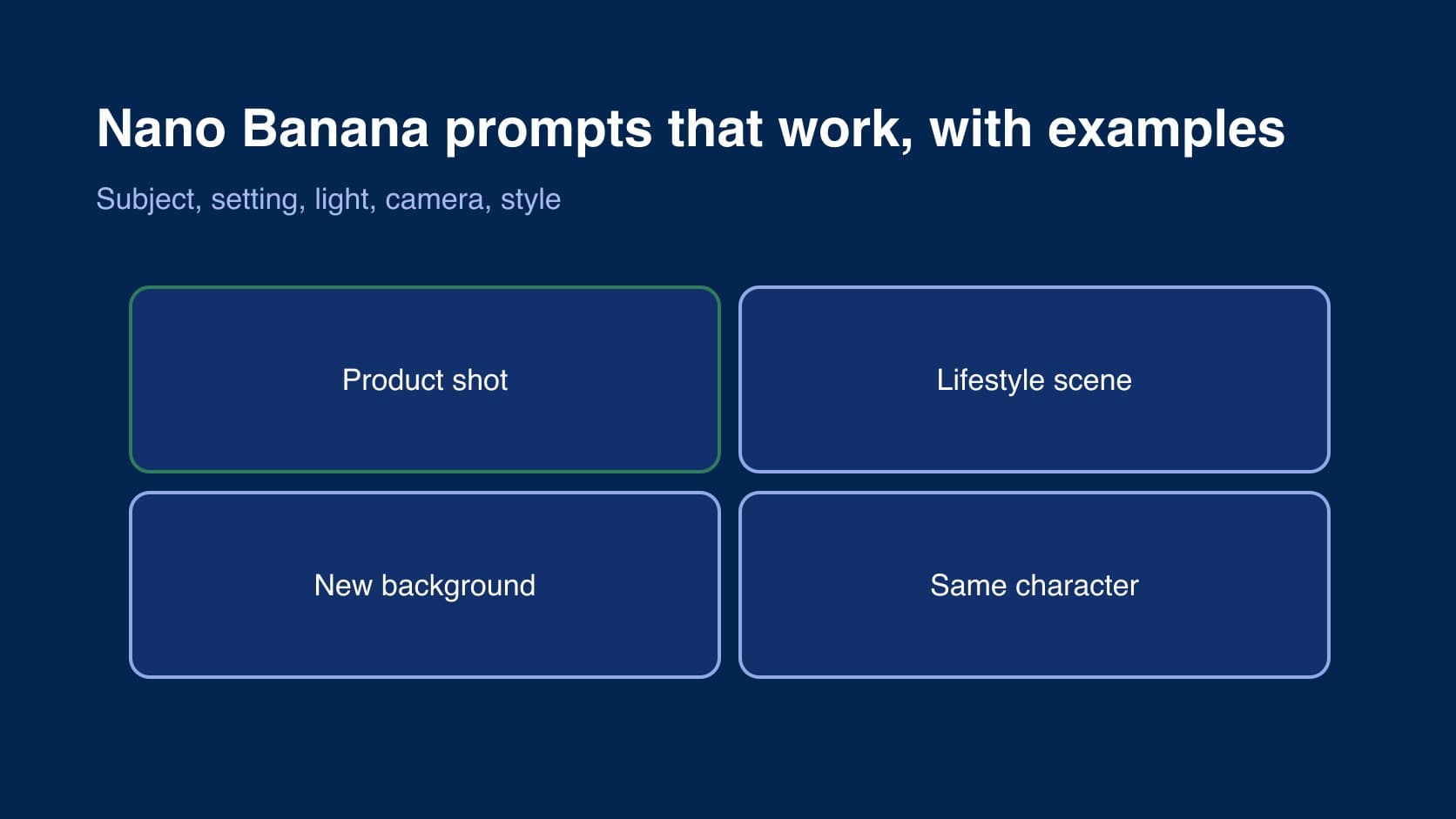
a good Nano Banana prompt describes the picture you want in plain words — subject, setting, light, camera, style — and, when you attach images, says what each one is for. below is the pattern, then prompts for the jobs people use it for most, each ready to copy.
the pattern
- subject and action: who or what, doing what.
- setting: where, and what else is in the frame.
- light: a real source — a window, golden hour, overhead office light.
- camera: close-up or wide, eye level or above, phone or 35mm.
- style: photographic, illustration, 3D, flat graphic.
- what must not change, when you attach images.
product shot
"the bottle from image 1 on a wet slate surface, dark background, a single soft light from above, droplets on the glass, close-up at eye level, label facing camera and unchanged"
lifestyle scene
"the trainers from image 1 worn by a woman in her 20s walking through a London street market, late afternoon sun, shot on a phone at hip height, natural colours, the shoes in sharp focus"
change the background
"keep the person in image 1 exactly as they are — face, hair, clothes and pose — and replace the background with a bright, minimal kitchen, morning light from the left"
same character, new scene
"the man from image 1, same face and build, sitting at a café table by the window, holding a coffee, relaxed half smile, overcast daylight, 35mm, shallow depth of field"
text in the image
"a bold poster on a concrete wall reading 'SUMMER SALE' in white block capitals, red background, photographed straight on, slight wall texture"
put the exact words in quotes and keep them short. for longer text, Nano Banana Pro is more reliable.
what to avoid
- vague praise: "beautiful, stunning, high quality" adds nothing the model can draw.
- describing a face you attached. attach it and say "the person from image 1"; words make it drift.
- ten changes at once. change one thing per try so you know what worked.
- video directions. voices and camera moves belong in a video model, not an image prompt.
try them
paste any of these into image mode with Nano Banana 2, attach your own images where they say "image 1", and generate. more on the model in the Nano Banana guide and the step-by-step in how to use Nano Banana.
the summary
- subject, setting, light, camera, style — in that order.
- refer to attached images by number, and say what must not change.
- one change per try.