 Clear Cortex
Nano Banana 2 vs Pro: which one to use
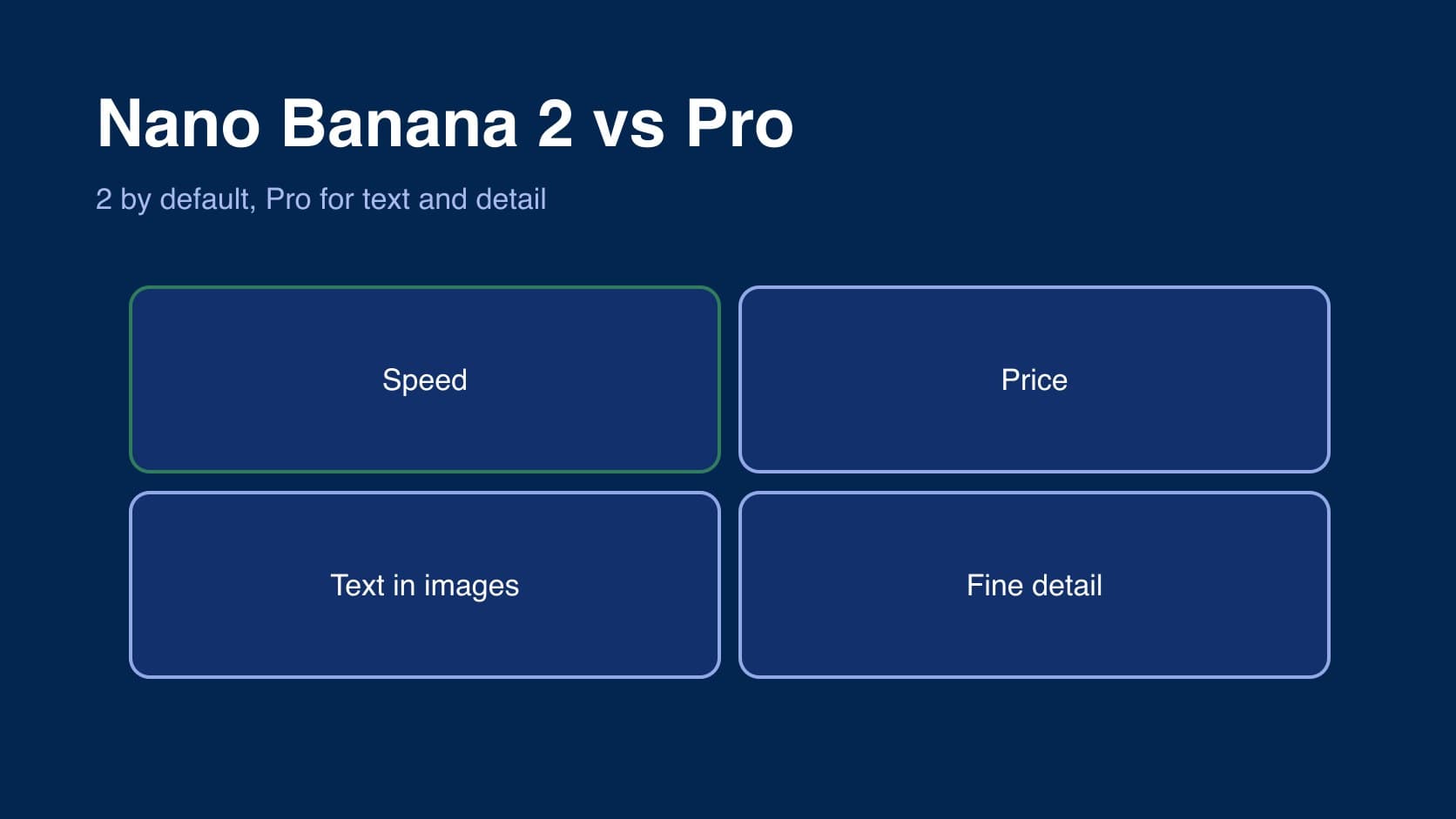
Nano Banana 2 or Nano Banana Pro? use Nano Banana 2 for most work: it is faster and costs about half as much at 1K. switch to Pro when the image has text in it, needs fine detail, or the prompt has many things that all have to be right.
side by side
| Nano Banana 2 | Nano Banana Pro | |
|---|---|---|
| Google's name | Gemini 3.1 Flash Image | Gemini 3 Pro Image |
| speed | fast | slower |
| price at 1K | $0.067 | $0.134 |
| price at 4K | $0.151 | $0.24 |
| text in images | good for short words | better, including longer lines |
| shapes | includes very wide and tall banners (up to 8:1) | square to 21:9 |
prices: Gemini API, per image.
choose Nano Banana 2 when
- you are drafting or making many variations.
- the job is editing or combining images you supply.
- you need an unusual shape, like a long web banner.
choose Nano Banana Pro when
- there is text in the image that must be spelled right.
- fine detail matters: jewellery, fabric, small print on packaging.
- Nano Banana 2 keeps missing one part of a long prompt.
some people simply prefer how Pro looks:
"The way I usually work is I generate an image first (Nano Banana Pro is still my go-to, don't ask me why, I just vibe with it) and then animate that into a video clip."
a sensible workflow
- draft on Nano Banana 2 at 1K until the composition is right.
- if text or detail is off, run the same prompt on Pro.
- make the final at the size you need.
frequently asked questions
is Nano Banana Pro better than Nano Banana 2?
for text and fine detail, yes. for everyday edits and drafts, Nano Banana 2 is as good and faster.
can I switch between them?
yes. in Clear Cortex both are in the model picker in image mode; the prompt and references stay as they are.
the summary
- 2 by default, Pro for text and detail.
- Pro costs about twice as much at 1K.
model pages: Nano Banana 2, Nano Banana Pro. everything else: the Nano Banana guide.