 Clear Cortex
 Clear Cortex
Anyone making images for a deck, a site or a feed
Making an image that is not carrying words
The method for everything that is not a poster: how to describe a picture so a model can build it, how to spend almost nothing until the composition is right, and which of the six models to hand each job to.
What you end up with
A way of working where you throw away twenty cheap drafts instead of agonising over three expensive ones, and a rule of thumb for which model each job belongs on.
15 minutes · 8 steps
Describe a photograph, not a feeling
Subject, then setting, then light, then framing — in that order, in plain sentences. "A ceramic mug on a concrete windowsill, late afternoon sun raking from the left, shot close on a 50mm" gives a model four things to build with. "Something warm and minimal" gives it nothing, so it invents all four and you get a different picture every time.
Draft on the cheapest thing that will answer the question
At this point you are deciding composition, not quality, and Flux.2 Klein answers that for 15,000 credits — roughly a fifth of Nano Banana 2 and a ninth of Flux.2 Max. Run ten drafts, throw away nine. The model you finish on is a decision for later, when you know what the picture is.
Read the bar to see what a model will and will not take
Flux.2 Klein shows a ratio and nothing else — no resolution, no quality. That is not a simpler interface, it is a smaller model: the chips that are missing are the controls it does not accept. Comparing two bars tells you more about a model in two seconds than any description.
Show the look instead of describing it
References are how you stop writing adjectives. Drop in a photograph whose lighting you want and say what should change. The budgets differ sharply: Flux.2 Klein takes 4, Flux.2 Pro and Max take 8, and both Nano Banana models take 14 — so a job that needs a lot of visual input already belongs on Nano Banana before you have considered anything else.
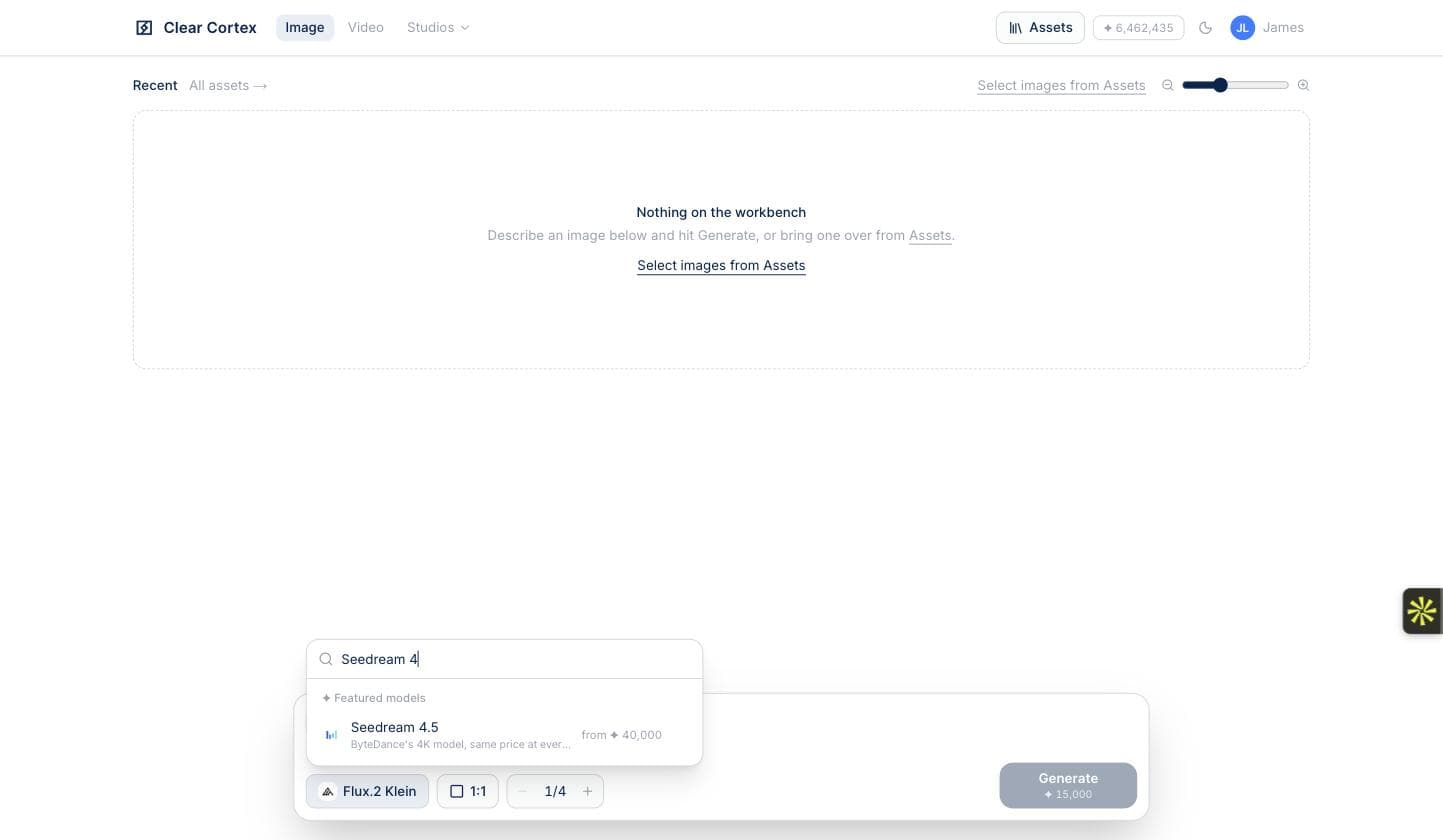
Search the picker rather than scrolling it
Seven models are featured, but the full catalogue behind the search box is far larger. Type a name or a maker and it filters — worth knowing when you want something specific rather than one of the seven we put at the top.
Move up a tier only when the draft is right
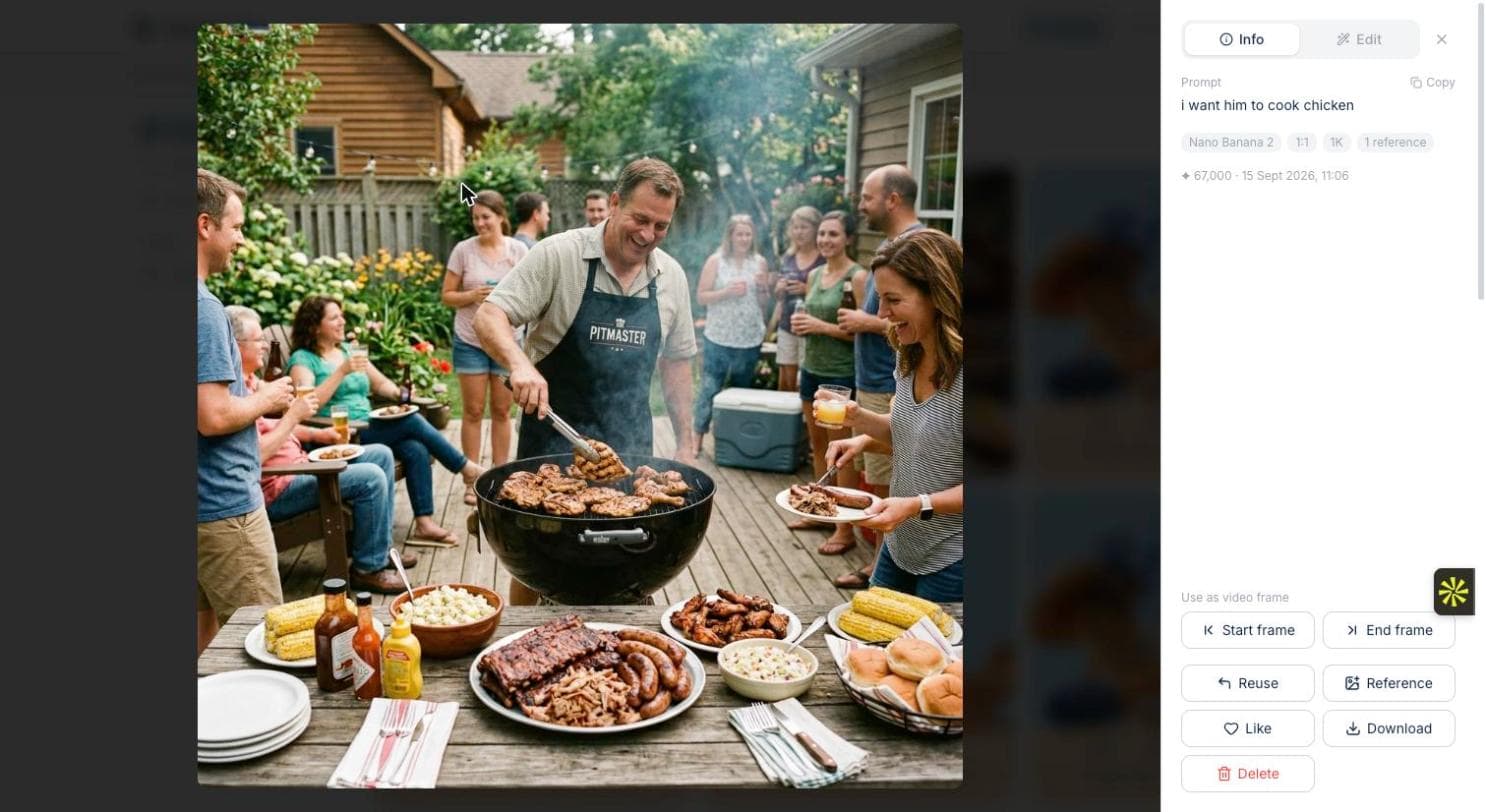
Once the composition is settled, re-run the same prompt on the model that suits the job — photographic detail on Flux.2 Pro or Max, size on Seedream, heavy reference work on Nano Banana. Reuse in the lightbox puts the settings back on the bar so you are changing one thing, not retyping everything.
Finish in the Edit panel, not with another prompt
Colour grading is free and instant. Relight, Sharpen detail and Angles each change one property and leave the rest of the picture alone — which a re-generation cannot promise, because it makes a new image. Reach for the prompt again only when you actually want a different photograph.
Leave text to the one model that can spell
The moment a headline, a label or a sign has to be legible, this method stops applying and the poster playbook takes over. Everything above assumes the picture carries no words — which is most pictures, and the reason this is the longer of the two guides.