 Clear Cortex
 Clear Cortex
Anyone making images that do not carry text
Everyday images with Nano Banana 2
The default for work that is not carrying a headline: what the resolution dial actually costs you, how far 14 reference images gets you, the shapes no other model here offers, and when to pay for Pro instead.
What you end up with
A way of working where drafts are cheap and fast, the expensive settings come out only at the end, and you know the one job to hand to a different model.
10 minutes · 6 steps
Start here and stay here for drafts
Nano Banana 2 is the Flash tier of Google's image model — the round trip is cheaper and quicker than the Pro one, which is what you want while you are still deciding what the picture is. It opens selected, so the fastest thing you can do is type.
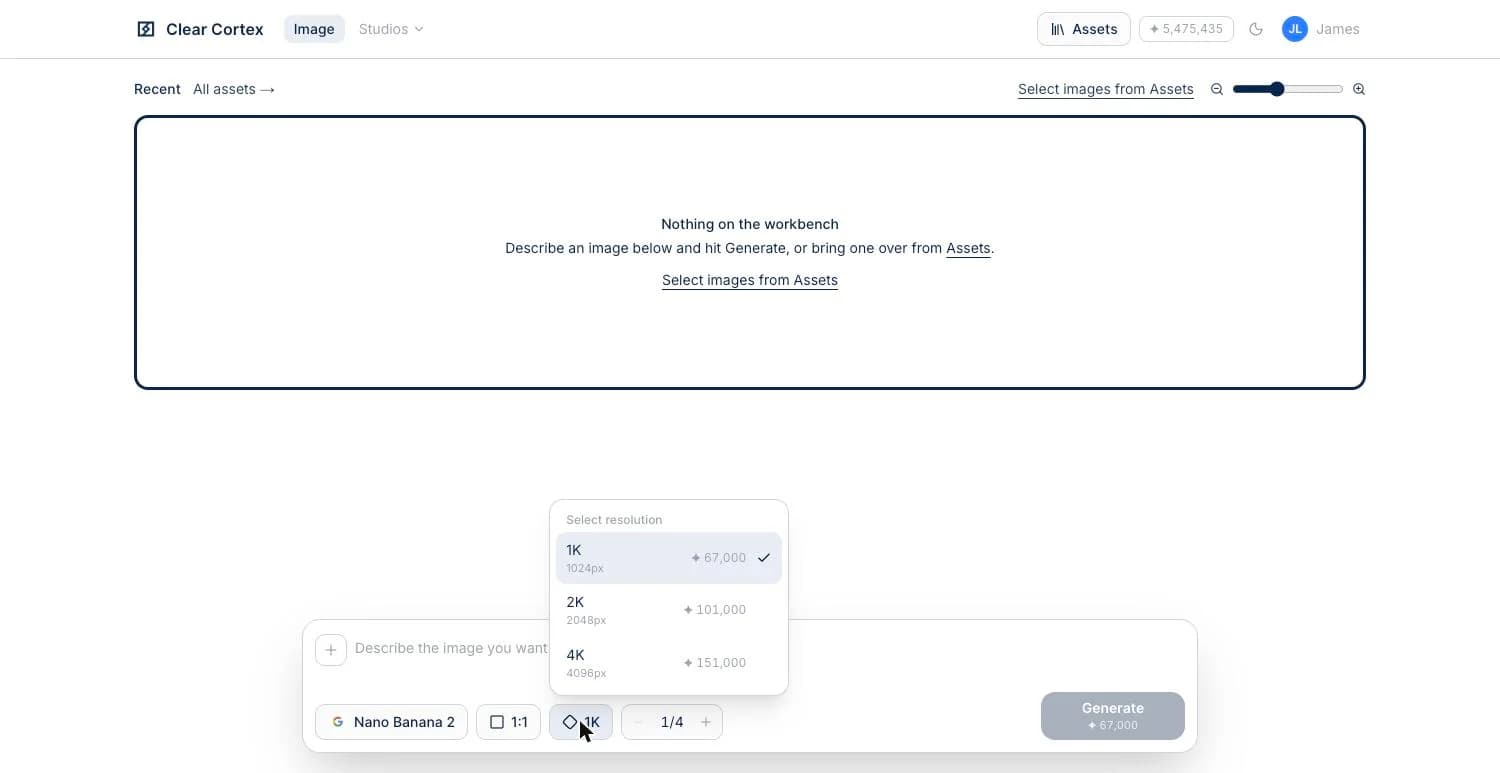
Treat resolution as the price dial
This model is priced by resolution: 1K, 2K or 4K. Draft at 1K, because you will throw most of them away, and only move up once the composition is settled. Go to 4K when the image will be printed or cropped hard — not before.
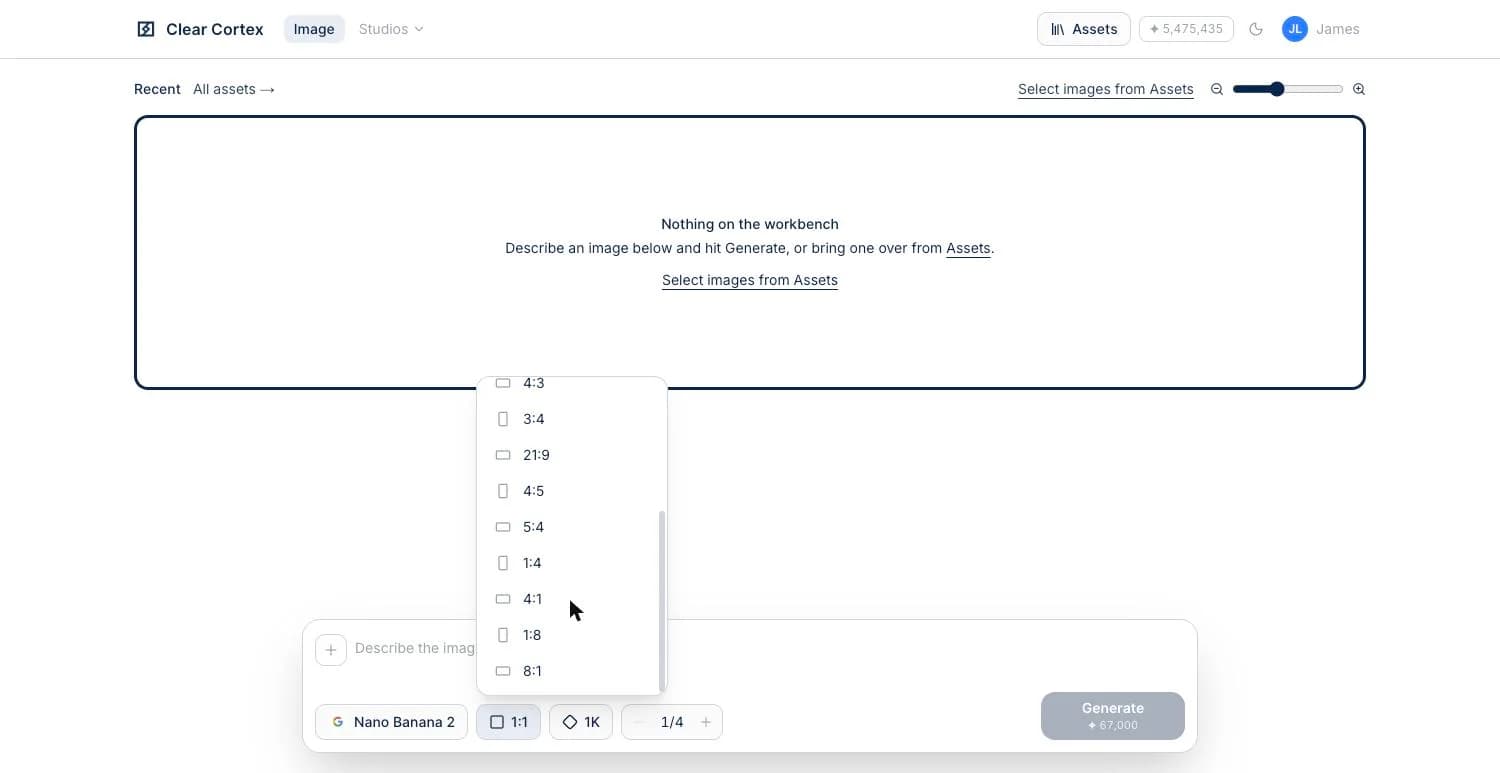
Use the shapes nothing else here offers
Fourteen aspect ratios, including 1:4, 4:1, 1:8 and 8:1. Those last ones are the reason to come to this model for a banner, a sidebar or a header strip — every other model on the list stops at 21:9, so a long thin image made anywhere else is a crop of something squarer.
Show it rather than describe it
It takes up to 14 reference images in a single generation, more than any Flux model here. Wire in the thing you are changing plus the look you are after, and say what should differ — far more reliable than trying to write a paragraph that contains both.
Hand text to a different model
This is the one job to give away. Anything carrying a headline, a label or a sign should be made — and edited — on GPT Image 2, which is what the poster playbook is about. A poster edited here comes back with its layout intact and its words dissolved.
Step up to Pro only when Flash drops something
Nano Banana Pro costs about twice as much and takes the same 14 references. The moment to switch is a specific one: a prompt carrying several instructions at once where the Flash tier keeps quietly dropping one of them. For everything else the difference is not worth twice the price.